Free Online Par Timer for Dry Fire — Random Start Beep, Multiple Par Beeps, No App
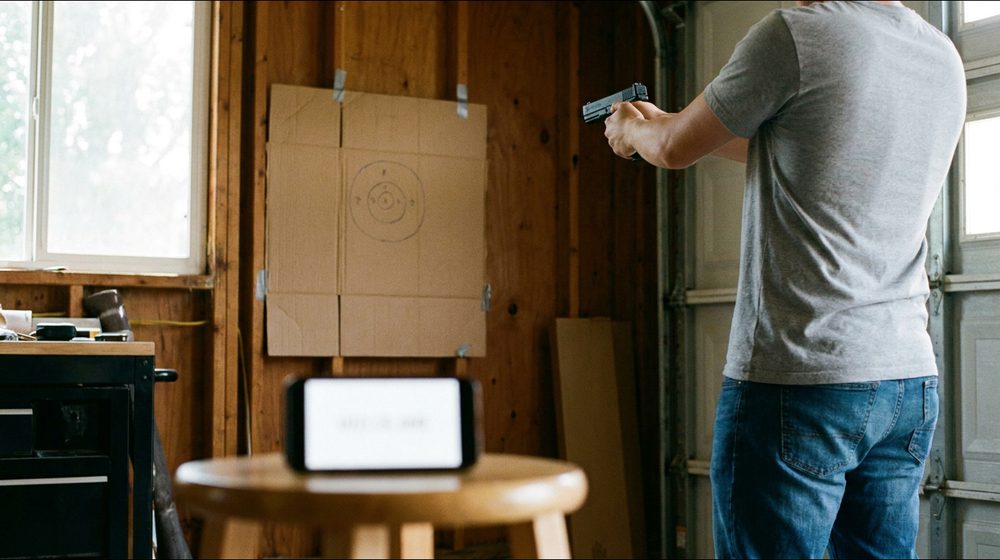
Press Start, wait for the beep, beat the second beep. That’s the whole tool below. It works in any browser on your phone or laptop, and you don’t need to install anything or sign up.
Shortcut: Space to start / stop. Turn your volume up and wear ear pro.
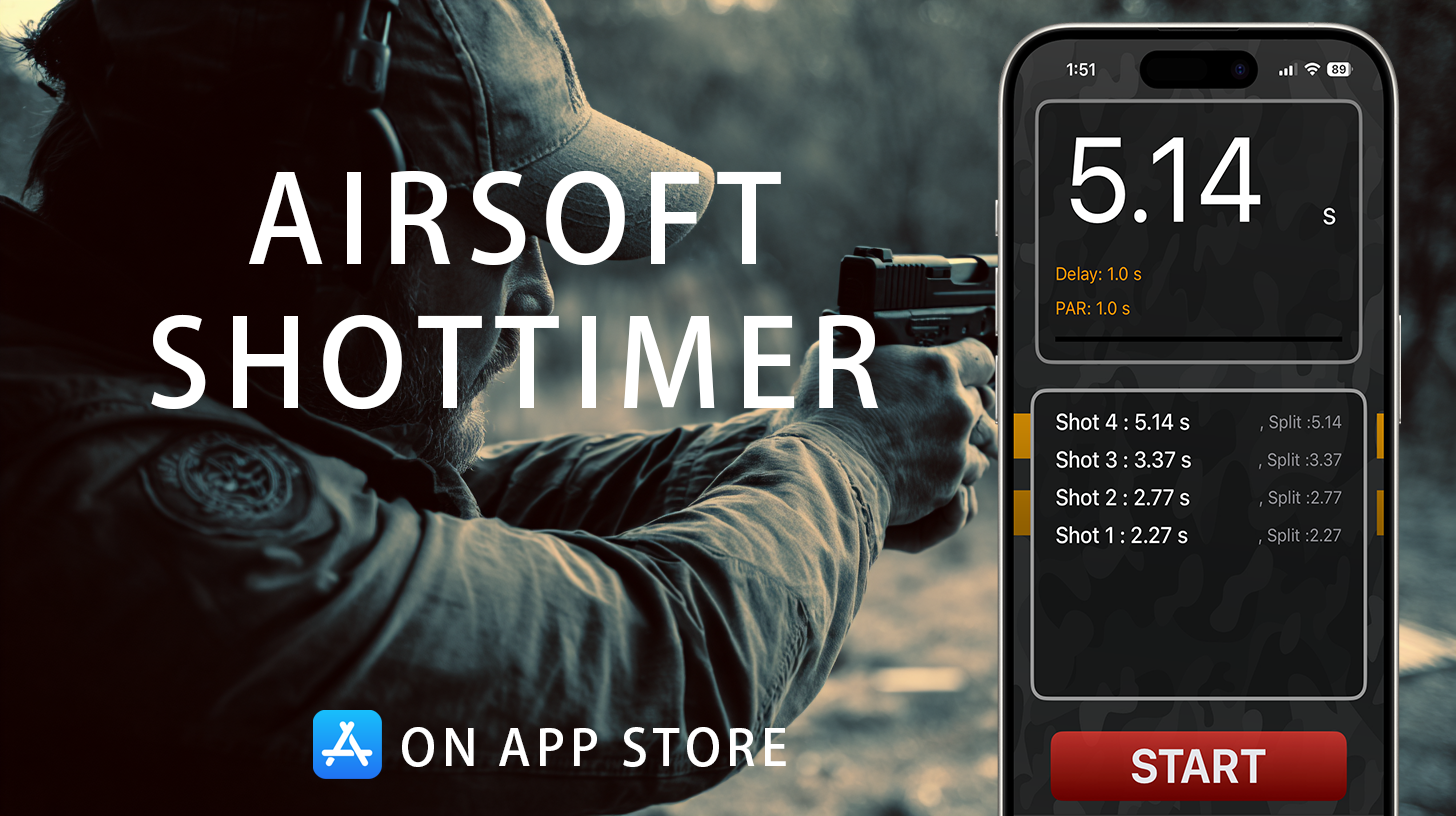
This web timer only beeps — it can't hear your gun. The free Airsoft Shot Timer app uses your phone's mic to detect every BB gun shot and logs your first-shot time and every split.

The 30-second version
- Start beep: after a random 1–8 second delay, so you can’t time it in your head. Untick “random” if you’d rather use a fixed delay.
- Par beep: a lower tone at your par time. If you’re still moving when it sounds, the rep didn’t count.
- More than one par: type
1.5, 3.0to get a beep at 1.5 s and another at 3.0 s, e.g. for the draw and then the reload.- Auto-repeat: you get 5 seconds to reset between reps, and it keeps going until you press Stop. The counter tracks your reps.
- What it can’t do: hear your shots. If you want your actual first-shot time and splits, that’s what a real shot timer app is for.
What a par timer is (and why dry fire needs one)
A shot timer normally does two jobs. It beeps to start you, and it listens for your shots. In dry fire there are no shots to hear. Your trigger press is a quiet click, or nothing at all with an airsoft pistol that’s gassed down. So the “listening” half of the timer has nothing to listen to.
A par timer fixes that by flipping the question around. It doesn’t measure how long you took. It gives you a deadline. A second beep sounds at a set time, say 1.5 seconds, and you judge yourself against it: was the sight picture settled and the trigger pressed before the par beep, or after it?
That sounds crude, but it’s how most competitors build speed at home. Every serious hardware timer has a par mode for exactly this reason. The deadline gives you something concrete to work against, and “go faster” on its own doesn’t.
Setting your first par time
The most common mistake is setting a par you’d like to have, not one you can make right now. Start where you can pass cleanly. The rule most dry-fire programs use goes like this:
- Pick a par you can make about 8 times out of 10 with a clean sight picture and a smooth press.
- Shoot sets of 10 reps. Be honest: if the beep came before the press, that rep failed.
- 10/10 clean → take 0.1 s off the par. 8–9 out of 10 → stay where you are. Fewer than 8 → add 0.1 s back on.
The 0.1-second step matters. A smaller step feels like nothing changed, and a bigger one turns the next set into a scramble. Your technique falls apart chasing the beep, and you end up drilling the mistake.
For reference, here are honest dry-fire starting points for someone who already has their gear sorted. Live fire runs slower because of recoil and real sight tracking, so don’t compare these numbers with match results.
| Drill (dry fire) | Starting par | Solid target |
|---|---|---|
| Draw to first shot, open carry | 1.5 s | 1.0 s |
| Draw from concealment | 2.0 s | 1.4 s |
| Slide-lock / empty reload | 2.5 s | 1.6 s |
| Bill Drill (draw + 6 shots) | 3.0 s | 2.0 s |
The preset buttons on the timer above load the first-column numbers for you. The Bill Drill guide has the live-fire standards if you want to see where these numbers end up on the range.
Using more than one par beep
Typing two or three par times separated by commas turns the tool into a split trainer. A few setups worth trying:
1.5, 3.0: draw and fire by the first beep, reload and fire again by the second. It makes you start the reload while you’re still checking your first shot, and that’s where most reload time hides.1.2, 1.6, 2.0: draw on the first beep, then one more press on each of the next two. Shrink the gaps and you’re training transitions or follow-up presses.2.0, 4.0with auto-repeat on: a slow, rhythmic set for a brand-new holster or a new draw technique. The point is consistency, not speed.
A 10-minute dry-fire session with the timer
The format that tends to stick looks like this. It’s short enough to do before work and specific enough that you notice the progress after a week.
- 2 minutes, no timer: slow, perfect draws. Get the grip right before you add any time pressure.
- 4 minutes of draw reps: random delay on, par set to your current draw number, auto-repeat on. Count your passes out of 10.
- 3 minutes of reloads: par
1.5, 3.0(or your own numbers), same pass/fail rule. - 1 minute: write down tomorrow’s par for each drill. If you don’t write it down, you’ll start from scratch next time.
The dry-fire training guide has six more drills to rotate through once draws and reloads get boring.
Tips for getting clean reps
- Use the random delay. A fixed 2-second delay teaches you to count “one, two” and start early. It feels fast and it’s exactly the habit a range officer will catch.
- Turn the volume up, or plug in a speaker. If you’re wearing ear pro, a laptop speaker is easy to miss. Phone volume at maximum is usually fine.
- Put the phone where you can’t see the clock. Watch the target, not the numbers, and use the beep to judge yourself.
- Keep the screen on. The timer asks your browser to keep the screen awake while it’s running, but some battery-saver modes override that. If the beep stops, check that first.
When you’ve outgrown the web timer
Sooner or later you’ll want to know your actual times. Was that draw 1.1 or 1.4? Is your second shot really slower than your first? A web page can’t answer that, because it doesn’t listen to the gun.
That’s what the free Airsoft Shot Timer app adds. It uses your phone’s microphone to pick up every BB gun shot, records your first-shot time and every split, and saves the strings so you can look back at how you improved. It has the same random delay and multiple par times as this page, so your routine carries straight over. See the full app guide, or compare it with dedicated hardware in best shot timers.
FAQ
What is a par time in shooting?
A par time is a target time limit for a drill. The timer beeps to start you and beeps again when the par is up. If your shot breaks after the second beep, you missed the par. Competitors use it to train to a specific standard, both live and in dry fire.
Can I use a phone as a par timer?
Yes. This page works in any phone browser, and you don’t need to install anything. Turn the volume all the way up and keep the screen on. If you also want it to detect live shots and record splits, you’ll need a shot timer app that uses the microphone.
Why is the start delay random?
So you react to the beep instead of predicting it. With a fixed delay your body learns the rhythm and starts moving before the beep. You see a faster time, but it’s a habit that falls apart in a real match, where the start delay is random.
What’s a good par time for a draw?
In dry fire, 1.5 seconds from open carry is a reasonable starting point, and around 1.0 second is a solid target. From concealment, add about half a second. Set it so you can pass 8 out of 10 reps, then take 0.1 s off each time you go 10 for 10.
Does the online par timer work offline?
Once the page has loaded, the timer runs entirely in your browser and doesn’t need the network. If you close the tab, though, you’ll need a connection to open it again. For range use without signal, an installed app is more reliable.
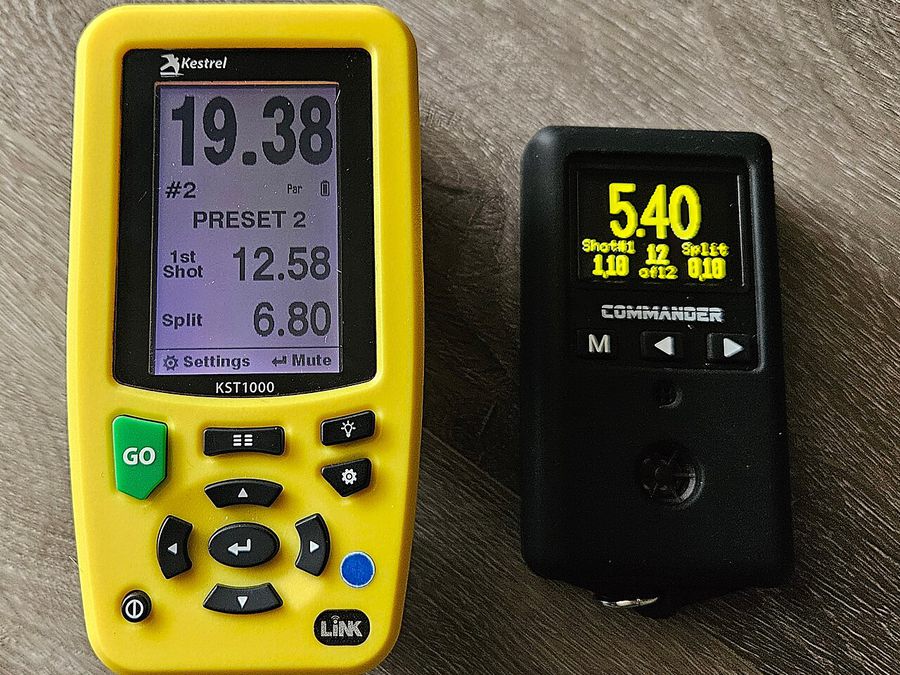
Image credits: cover image is AI-generated (Google Gemini), for illustration only. Shot timers photo: Ekuleshov73, “Modern shot timers”, CC BY-SA 4.0, cropped and resized, via Wikimedia Commons.

Put a Shot Timer in Your Pocket
Airsoft Shot Timer is a free shot timer app tuned for airsoft and Action Air — it picks up BB gun shots, tracks your split times, and saves you the cost of a $150+ hardware timer for IPSC/IDPA practice.
- Par Timer
- Online Par Timer
- Shot Timer Online
- Dry Fire Timer
- Par Time
- Dry Fire Training
- Random Start Delay
- Draw Practice
- Reload Practice
- Bill Drill
- Shot Timer
- IPSC
- USPSA
- IDPA
- Airsoft Training
- Action Air