About Airsoft Shot Timer
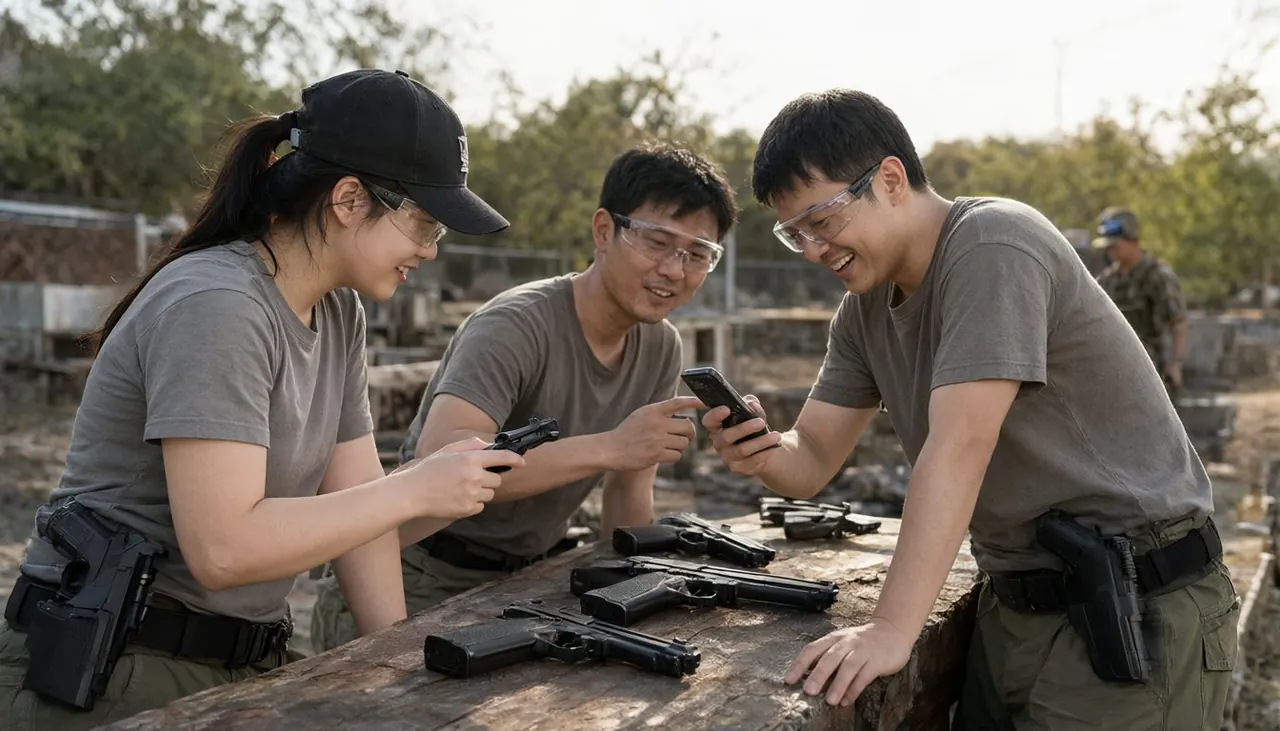
Airsoft Shot Timer is a shot timer app tuned for airsoft (BB guns) and Action Air shooters. Hardware timers often miss the quiet report of gas blowback and AEG pistols, so we rebuilt the detection for BB guns — letting anyone practice draws and splits and track progress with just a phone.
A tour of the app
The app has just three tabs: Game, Records and Settings. Here's what every number and button on each screen means.
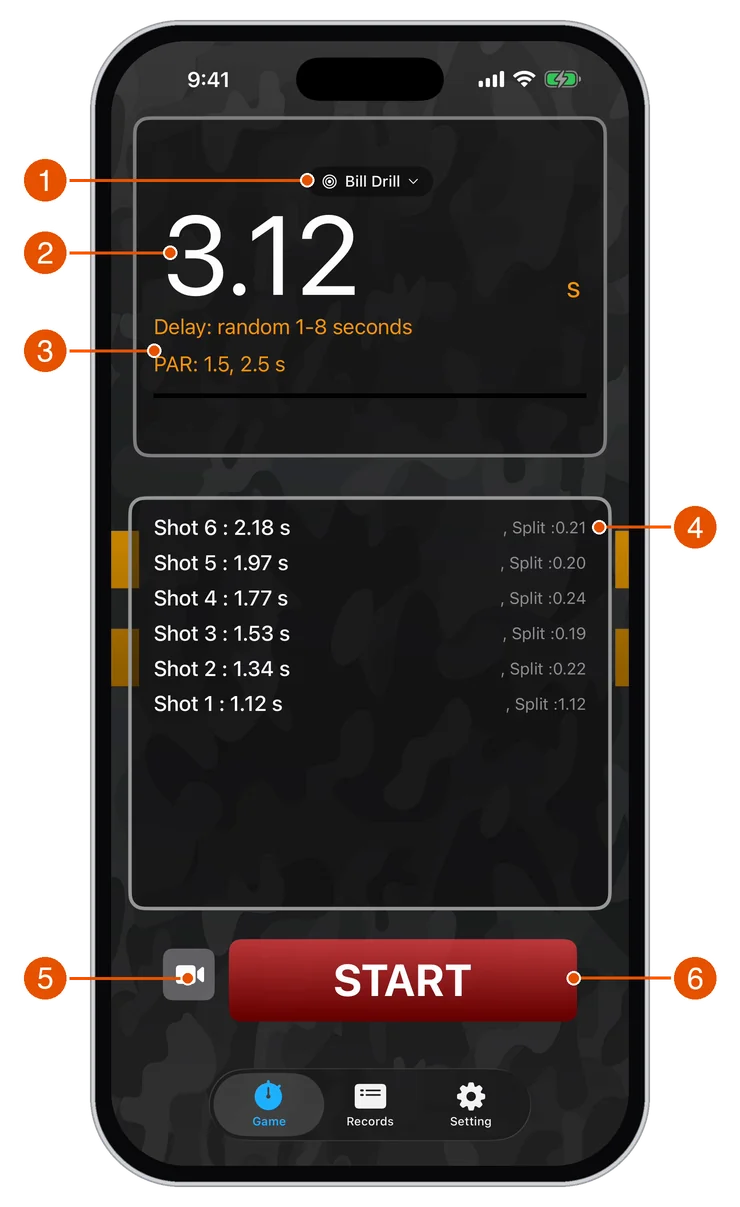
Game screen
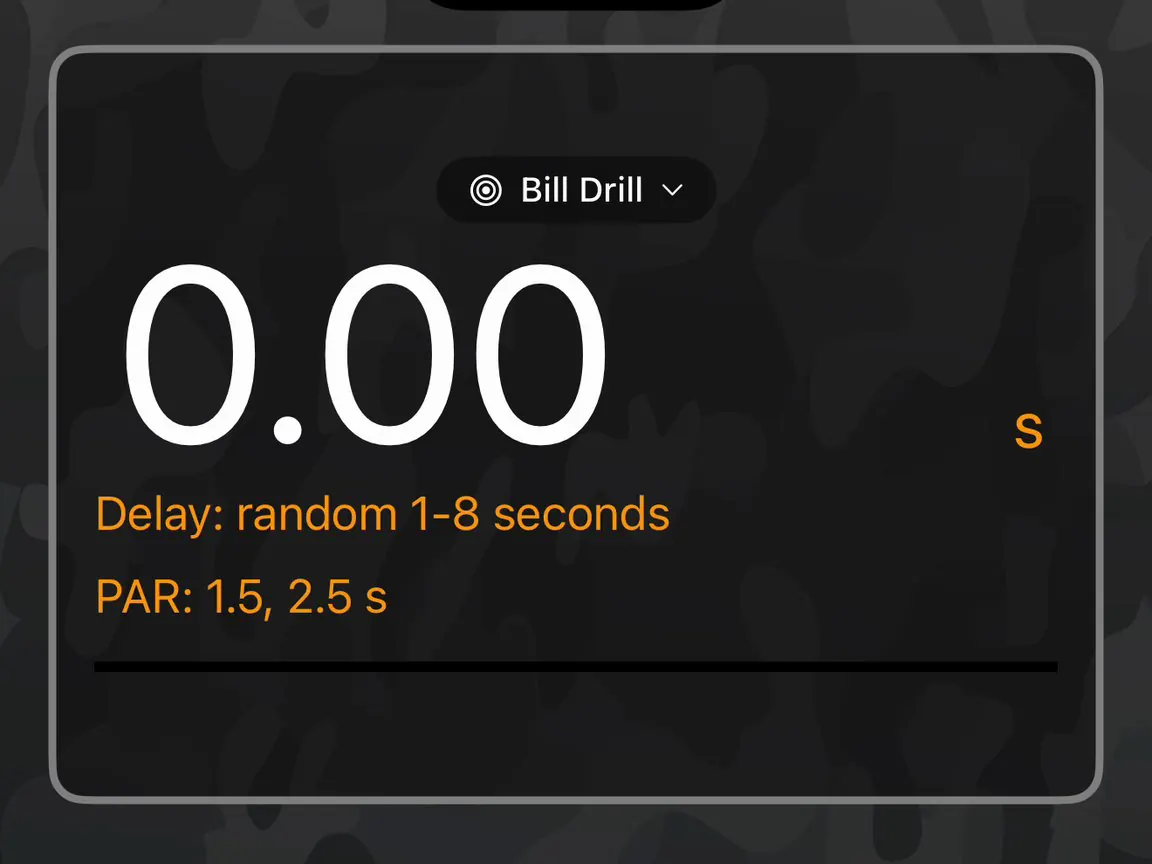
- Drill name: tap to switch between Bill Drill, Draw Practice, El Presidente and more — the round is filed under this name.
- Total time: from the start beep to your last shot, in the biggest digits on screen.
- Current start delay and PAR settings (e.g. random 1–8 s, PAR 1.5 s / 2.5 s); the bar underneath shows PAR progress.
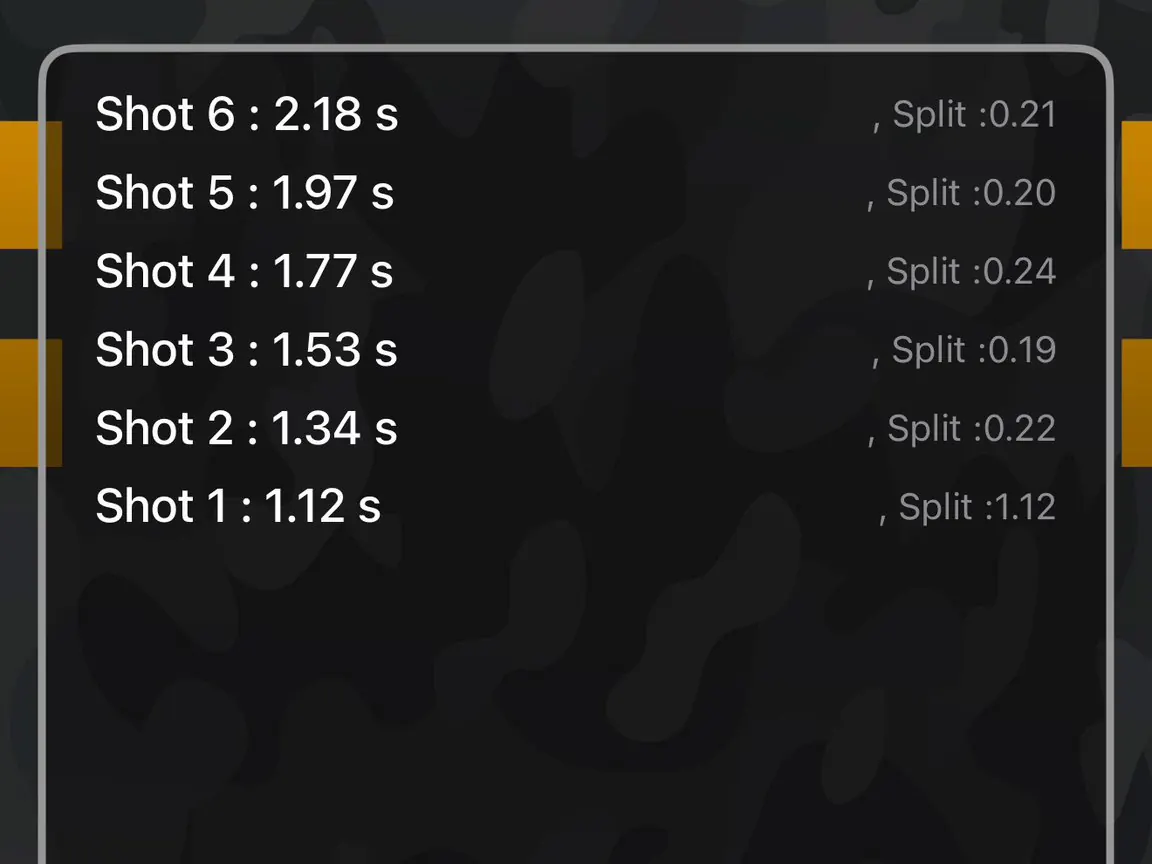
- Shot list: the total time of each shot, with the split from the previous shot on the right.
- Video: turn on recording mode to overlay the timer and shot list on video for playback.
- START / STOP: the clock starts on the start beep after the delay; tap again to stop.
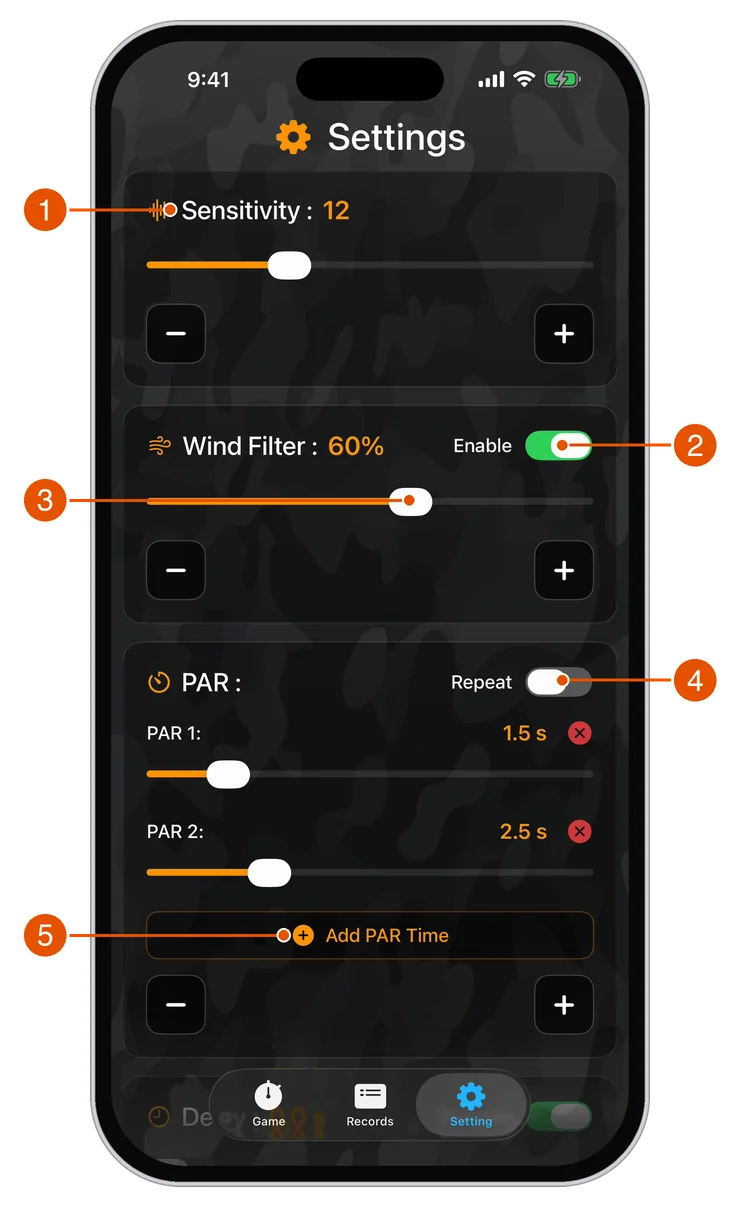
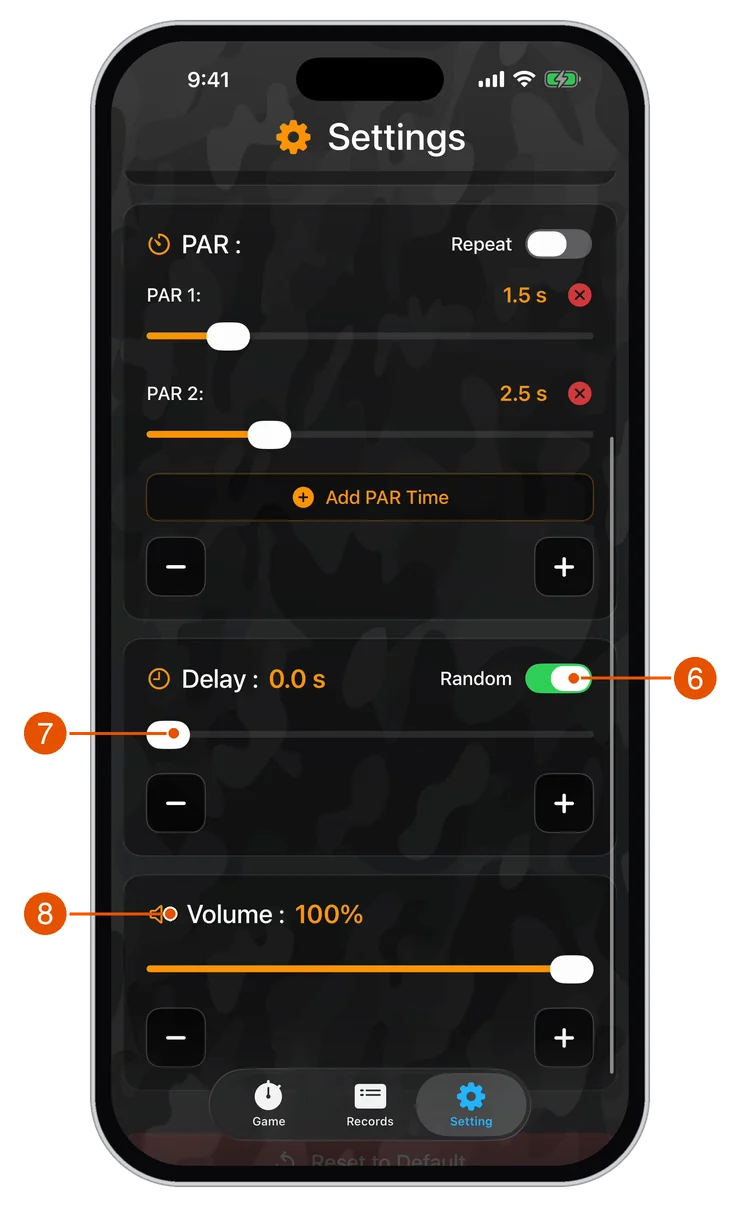
Settings screen
- Sensitivity: higher numbers pick up quieter shots. Lower it in quiet rooms, raise it outdoors or for soft gas pistols.
- Wind filter switch: turn it on outdoors so gusts aren't counted as shots.
- Wind filter strength: higher percentages filter harder; too high and soft shots may be missed, so tune as you go.
- PAR Repeat: loops the PAR beep for continuous reps of the same skill.
- Add PAR Time: set several PAR times (e.g. 1.5 s and 2.5 s); each one beeps when reached.
- Random delay: the start beep comes at a different moment every time, for more realistic reaction practice.
- Fixed delay: with random off, START always waits this long before the beep.
- Volume: loudness of the start beep and PAR beeps.
Records & statistics
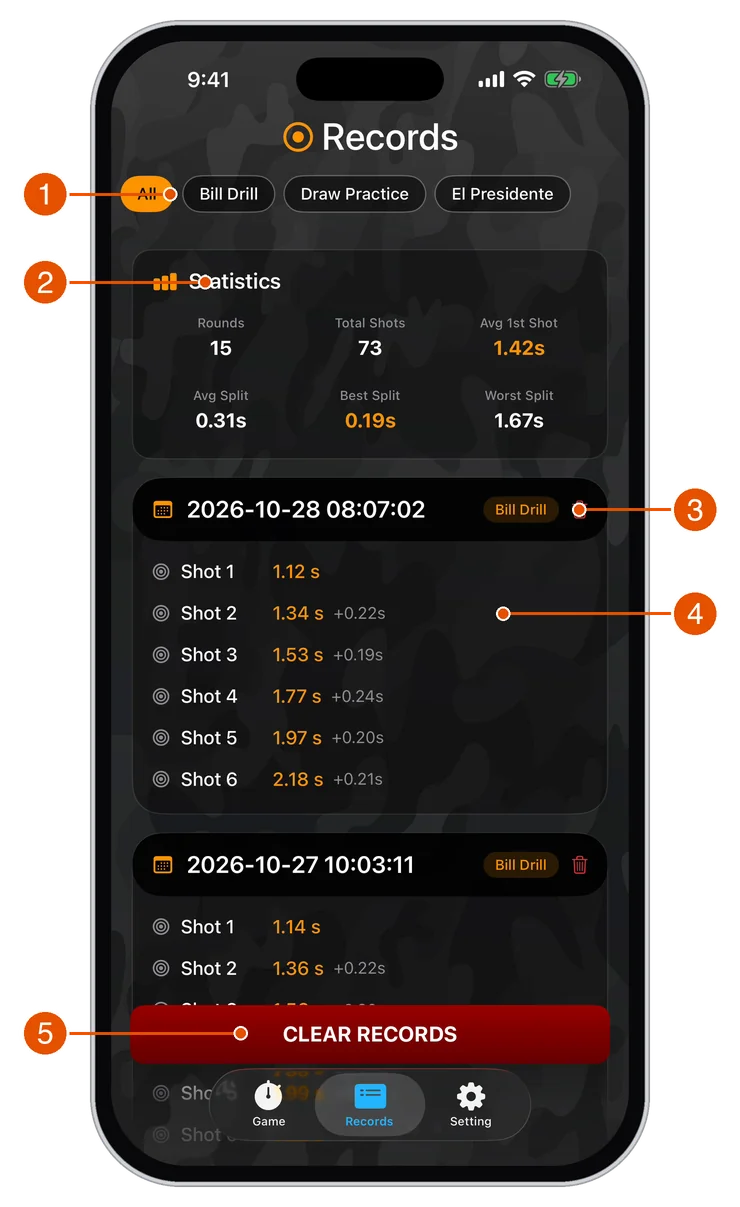
- Drill filter: show only one drill, such as Bill Drill.
- Statistics: rounds, total shots, average first shot, and average / best / worst split — updated for the current filter.
- Each round: date, time and drill name; the trash icon deletes that single round.
- Every shot's time and split (+0.22s means 0.22 s after the previous shot).
- Clear Records: wipes all records at once — double-check before tapping.
How a training round works
1. Set up the phone
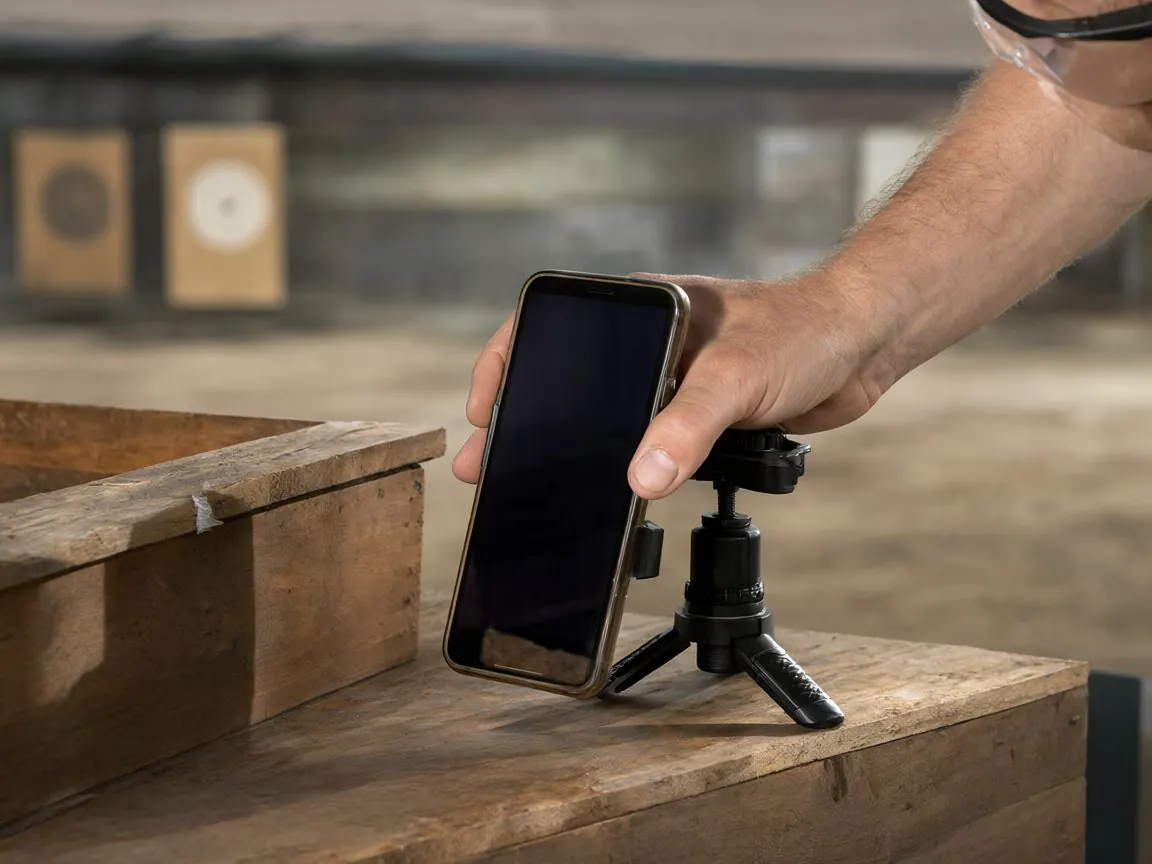
Stand the phone on the barricade or a table a step or two away, with the microphone uncovered.
2. Pick a drill
Choose the drill at the top of the Game screen, such as Bill Drill, so your records stay organized.
3. Tap START
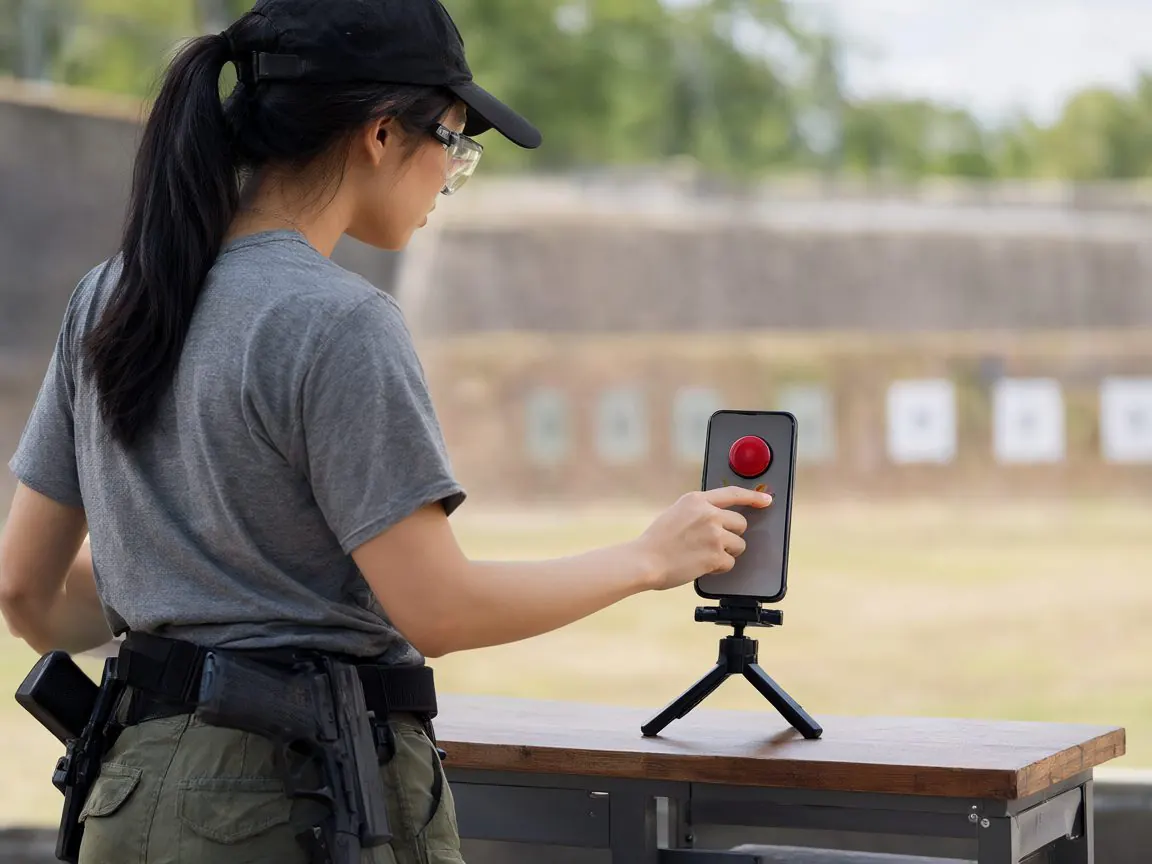
Get your hands back to the gun, draw on the beep, and the app logs every shot on its own.
4. Read the splits
Tap STOP, check the total time and every split, find the slowest part and run it again.
Where people use it
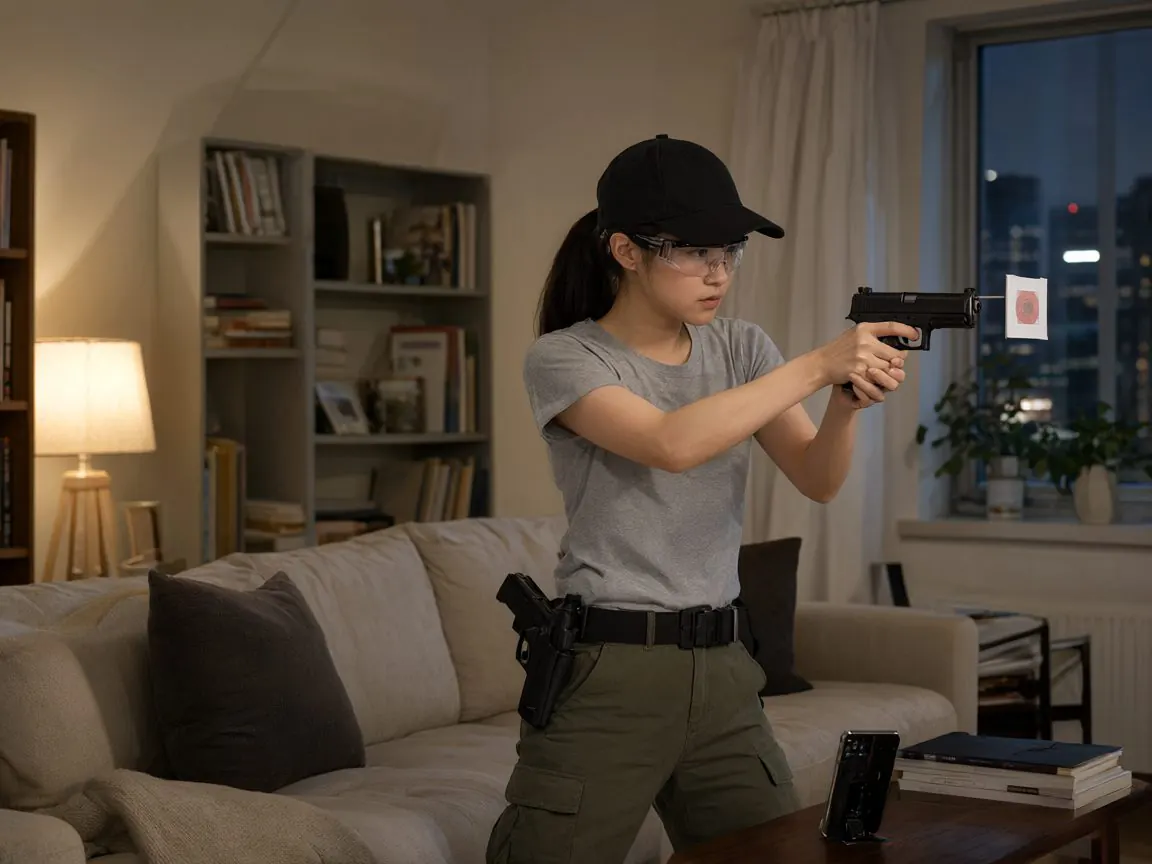
Dry-fire at home
Tape a small target to the bookshelf and drill your draw against a PAR time — reps without leaving home.
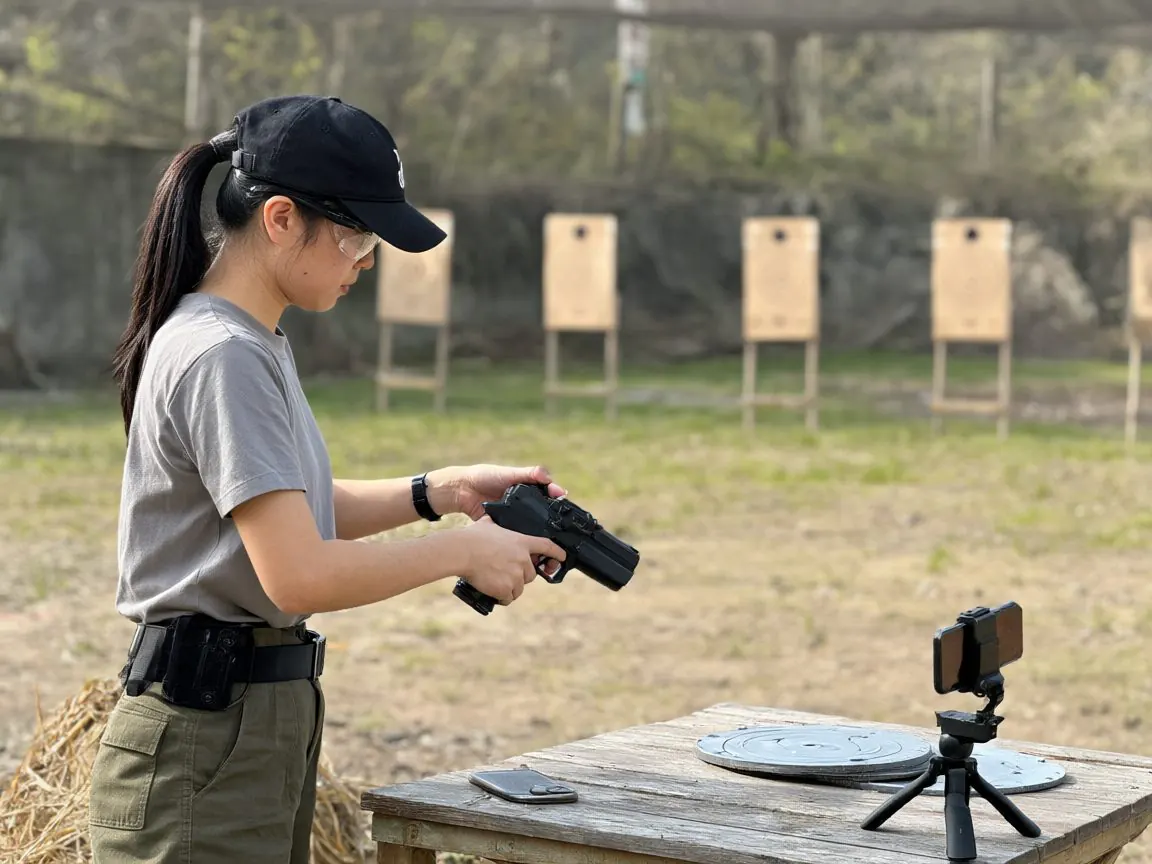
Weekend range sessions
Shoot live at the range, read your splits for rhythm, and time your reloads too.
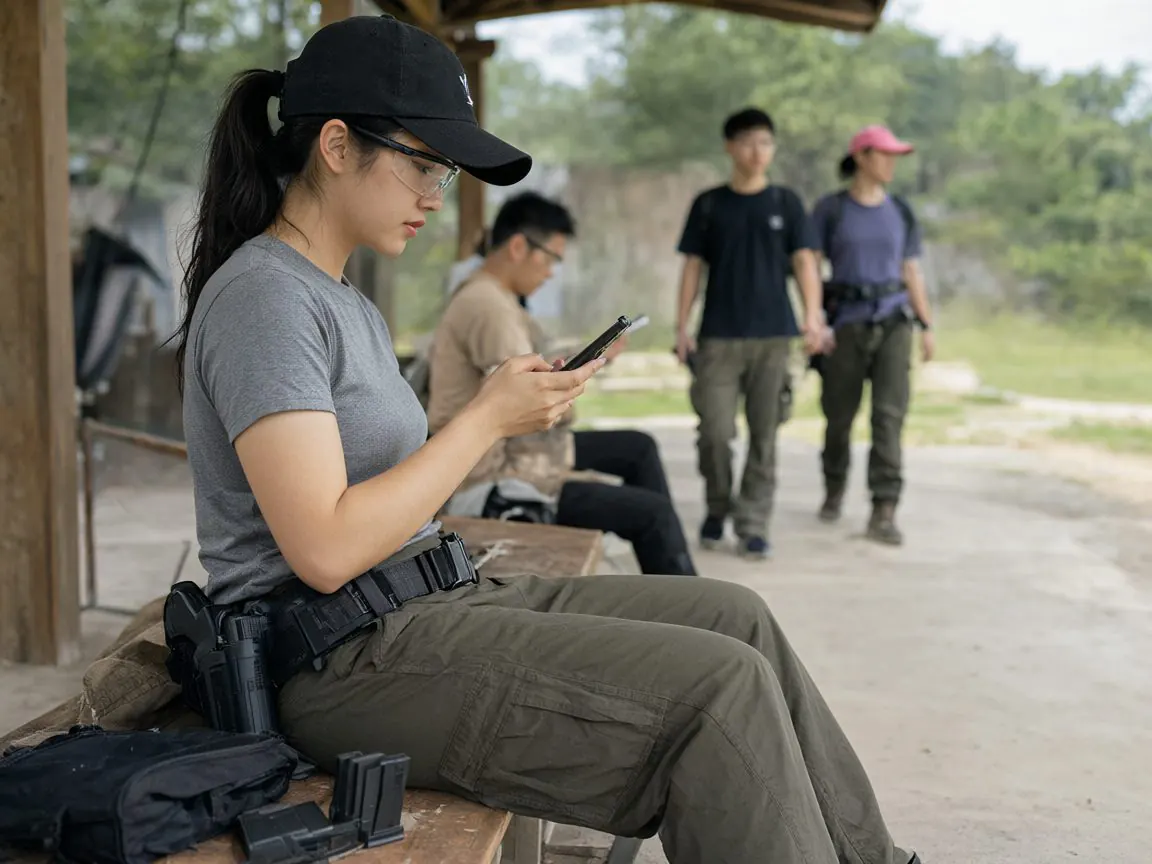
Before a match
Check your average first shot and worst split in Records so you know what to focus on today.
Coaching a class
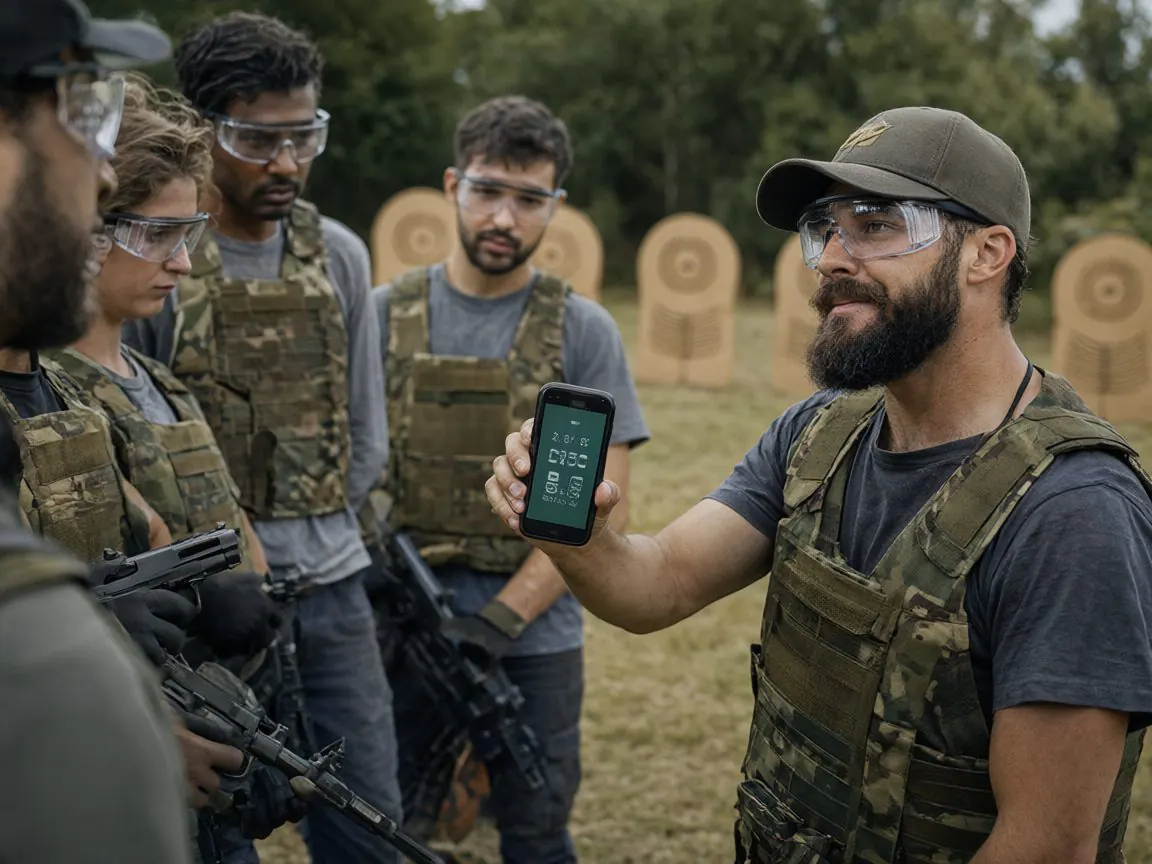
Each student runs a round, records are sorted by drill, and video replay helps explain on the spot.
Want a setting-by-setting walkthrough and a comparison with other shot timer apps? Shot timer app comparison & AirsoftShotTimer setup guide →
Download & contact
Available on iPhone and Android, no sign-up required. Questions or feature ideas? Email us at: