How to Use a Shot Timer 2026: The 3 Levels Most Shooters Skip
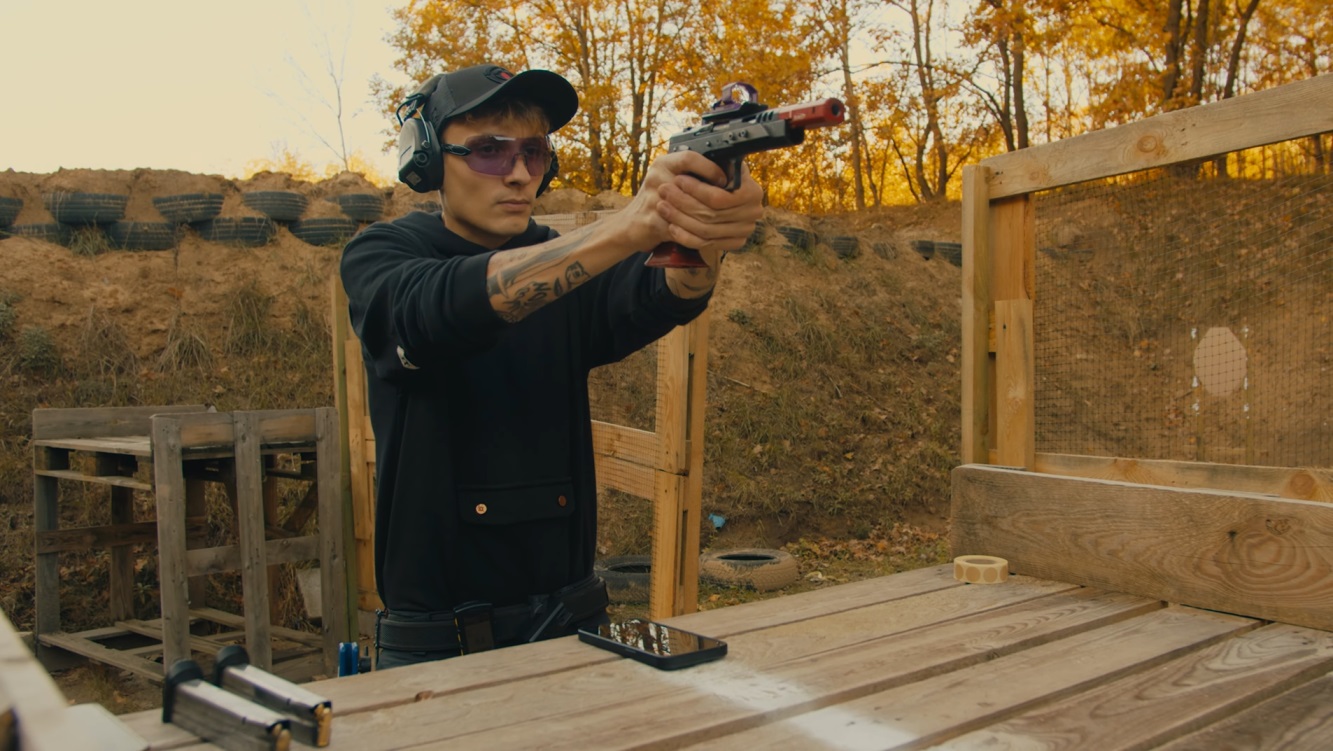
The 60-second version: Operating a shot timer is trivial — press the button, wait for the beep, shoot, look at the screen. Learning to read what it gives back is the part nobody teaches. Almost everyone stops at level one: the single overall time for the drill. The timer is actually handing you a per-shot breakdown that tells you exactly where your seconds went, and a second beep that shows you what a faster time physically feels like. This guide covers how the microphone decides something was a shot, what each number on the display means, the three levels of reading a string, the four settings worth changing on your first session, and the specific moments when the number on the screen is not telling you the truth.
How a Shot Timer Actually Decides Something Was a Shot
Before any of the numbers mean anything, it helps to know that a shot timer is a much dumber device than it looks. There is no ballistics wizardry inside. It is a microphone, a clock, and a threshold. When you press start it runs a delay, plays a beep, and starts the clock. From that instant it listens, and every time the sound level crosses a set threshold it writes down the elapsed time. That is the entire mechanism.
This explains almost every strange thing a timer does. It has no idea what a gunshot is, so a slammed door, the guy on the next bay, a steel plate falling, or a hard echo bouncing off a concrete wall can all be recorded as shots. It also has no concept of a drill being over, which is the honest answer to the question people search constantly: shot timers do not know when to stop. They keep listening until you press review or the string times out. What looks like a clean end to your run is just you stopping shooting.
The threshold is also why the tool historically failed airsoft players and dry-fire practice. A gunshot on a live range is enormously loud, so a crude loudness threshold works fine. The pop of a gas blowback pistol, the whine of an AEG, or the faint mechanical click of a dry trigger sit far below that line, and a timer built for .45 ACP simply hears silence. Getting around that requires detecting the shape of the sound rather than its volume — analysing which frequencies spike rather than how loud the room got. That is the specific problem the free AirsoftShotTimer app was built to solve, and it is the reason a generic timer app on the same phone will sit there recording nothing while you draw and dry-fire in front of it.
Two settings exist purely to manage this mechanism. Sensitivity (sometimes called threshold) moves the line up or down: raise it on a noisy range so your neighbour’s magnum stops appearing in your string, lower it indoors so a quiet airsoft pistol registers. Echo delay tells the timer to ignore any second sound arriving within a few hundredths of a second of the first, which is how it avoids counting one shot twice in an indoor bay. If your splits keep coming back absurdly fast — 0.04, 0.06 — you are not suddenly world class, your echo delay is too short.
Level 1: The Cold Baseline (Where Most People Stop)
The simplest possible use is also the one nearly everyone gets stuck on. You hang the timer somewhere it will not foul your draw — a trouser pocket is the classic spot, because a belt-mounted timer has a way of ending up exactly where your support hand wants to be — press start, and run a drill. One number comes back. You did it in 1.39 seconds. Done.
There is real value in that number, but only if you treat it as a baseline rather than a score. A baseline means the same drill, the same distance, the same start position, repeated on different days so you can see the trend. Run it three or four times, and take the honest first attempt as your cold number rather than your best of the session — because the first rep is the only one that resembles a match, where nobody lets you warm up.
Conditions matter more than people expect here. One instructor demonstrating this exact drill in cold weather with multiple layers on posted 1.31 seconds to first shot and noted he normally sits near 1.00 in a t-shirt. That is a three-tenths swing from clothing alone, which is larger than most of the gains people chase for months. Write down what you were wearing, whether you were warmed up, and what the temperature was, or your log will just be noise with decimal places.
The trap is that a single overall time tells you that you were slow without telling you where. You cannot fix 1.39. You can absolutely fix a 1.25 draw.
Level 2: Reading the String
Every timer worth owning lets you scroll back through the individual shots, and this is where the device stops being a stopwatch and starts being a diagnostic. Take a real three-shot string: overall 1.70, first shot at 1.25, then a 0.22 split and a 0.23 split. Read that for a moment. Nearly three quarters of the total time happened before the first round left the barrel. The splits are consistent and already respectable. Grinding out faster splits would buy hundredths; fixing the draw could buy tenths.
That is the whole point of the breakdown. The first shot time is your draw (or your reaction plus presentation, if you start from a ready position). Every number after it is a split — the interval between one shot and the previous one — and splits are where consistency shows up. A string that reads 0.26, 0.22, 0.21, 0.22, 0.21 is a shooter with a rhythm. A string that reads 0.19, 0.34, 0.21, 0.41 is a shooter fighting the gun back down between shots.
Splits also make anything non-shooting visible by subtraction. In a six-round string with a reload in the middle, one “split” will suddenly read 2.17 seconds. That is not a split, that is your reload, measured for free without any special setting. The same trick works for a target transition: on a multi-target drill the intervals between shots on the same target stay tight while the interval spanning the move to the next target balloons, and that gap is the number worth training.
You can also isolate a component deliberately. If the reload is what hurts, start with the gun already presented and the slide locked back, and time just the reload. Be careful how you read the result, though. The same shooter who took 2.17 seconds for an organic reload mid-string dropped to 1.78 when he set it up in isolation — not because he got better in ninety seconds, but because he removed the recoil, the surprise of the slide locking, and the mental gear change that come with a real string. Isolated numbers are for comparing against other isolated numbers. Never file one next to a match time.
Level 3: Par Time — the Second Beep
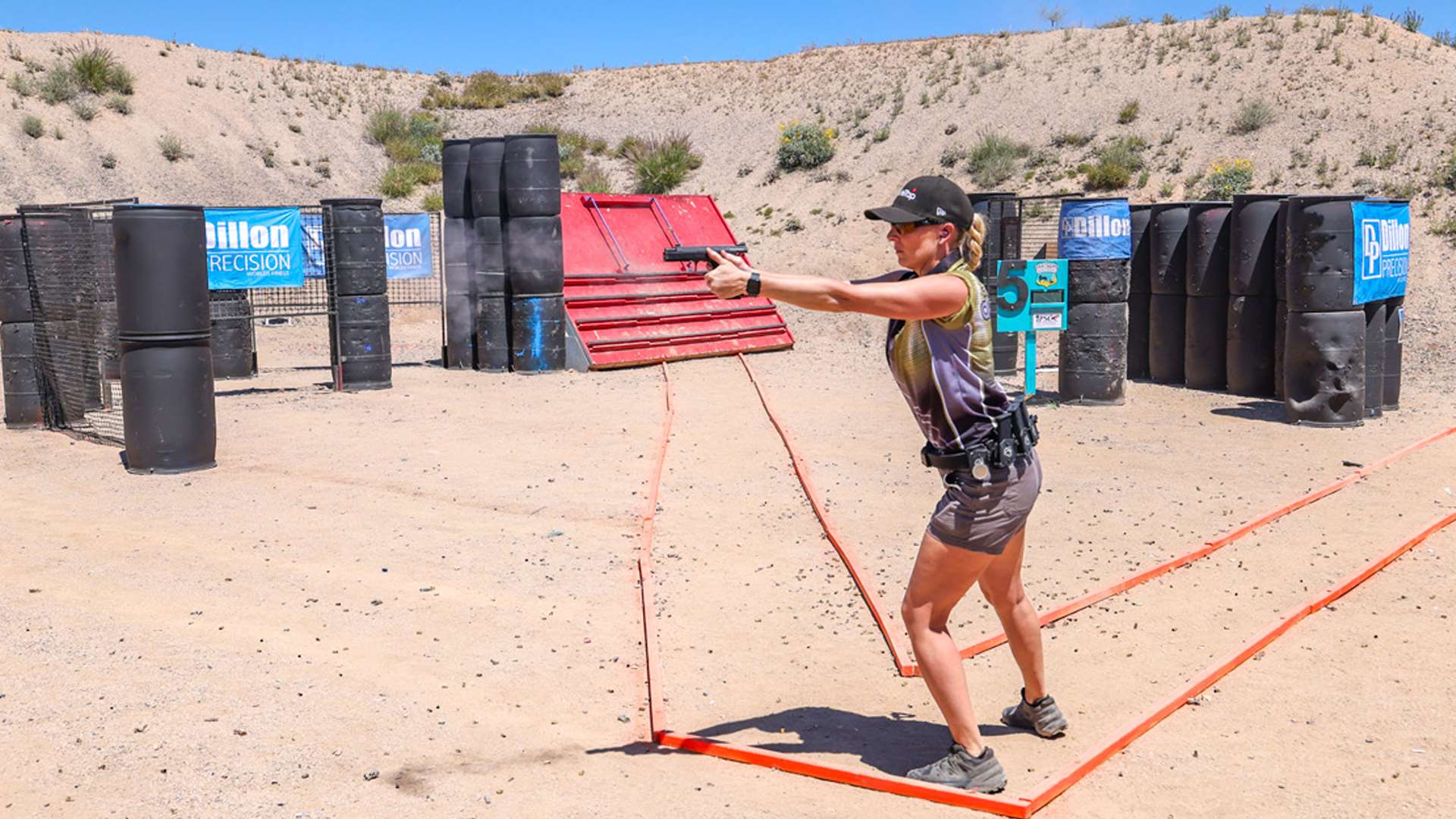
Par time turns the timer from a recorder into a coach. Instead of one beep at the start, it fires a second beep at a time you choose, and your job is to get the shot off before it. It costs nothing to switch on and it is the single most underused feature on the device.
The value is not that you will hit the number. It is that you find out what that number physically feels like. Set the par to something slightly beyond your current standard — if your honest draw sits at 1.25, set 1.15 — and the second beep stops being an abstraction and becomes a hard edge you can feel arriving. Most people discover their draw was never technically incapable of 1.15; it was just running at a pace nobody ever challenged.
Expect the wheels to come off, and let them. Pushing a par time until your hits fall apart is not failure, it is calibration. When your times drop to 1.05 but the rounds start landing outside the A-zone, you have found the current edge of your ability, and you now know exactly where to back off to in order to shoot fast and clean. That is a far more useful piece of information than another comfortable rep at your existing speed.
The usual progression: run five reps, take the average, set par about ten percent below it, work until you can hit it consistently with acceptable hits, then take another five to ten percent off. Repeat until the improvements stop, then go and fix the technique instead of the number.
The Four Settings Worth Changing on Your First Session
Almost every timer, hardware or app, ships with defaults that are wrong for the way most people actually train, and four settings account for nearly all of it.
Start delay should be random, not fixed. A fixed three-second delay teaches you to count, and counting is a skill worth precisely nothing on a stage where the range officer’s timing is unpredictable. A one-to-four second random window forces genuine reaction. Leave fixed delay for filming and for the specific case where you want a repeatable rehearsal cue.
Sensitivity wants adjusting to the environment and the gun, not set once and forgotten. Too high and quiet shots vanish from your string. Too low and every ambient bump inflates your shot count. If a string comes back with more shots than you fired, that is your answer.
Echo delay should be raised indoors and in enclosed bays, lowered outdoors when you genuinely want fast splits recorded. It is the cause of essentially every impossibly fast split anyone has ever screenshot.
Buzzer volume matters far more on a hardware timer than people expect, because you will be wearing ear protection. A start beep you cannot hear through electronic muffs on a busy range is a timer you will stop using. This is one of the few areas where dedicated hardware still clearly beats a phone speaker, and it is covered properly in the 2026 hardware buying guide; if you own an AMG unit specifically, the AMG Commander instructions walk through its menu, because the box ships without a printed manual.
When the Timer Lies
The timer is a tool, and like any tool it will hand you confident nonsense if you use it carelessly.
The most common lie is a fast time with no accountability for hits. Speed without a hit standard is not a skill, it is noise, and every serious scoring system in the sport — hit factor in USPSA, points down in IDPA — exists precisely to stop people gaming this. Attach a standard before you attach a stopwatch: all shots in the A-zone, or the run does not count.
The inverse trap is subtler and worth sitting with. If your groups are consistently tight and centred, that is frequently a sign you are shooting too slowly rather than shooting well. Accuracy that never costs you anything usually means you have never approached your actual limit. The timer’s job is to make you uncomfortable enough to find it.
A single repetition is also not data. Cold weather, a bad grip, a fumbled first attempt, an unusually good one — any of these will produce a number that means nothing on its own. Five reps and an average tells you something. One rep tells you a story.
And finally, the timer measures only what happens between the beep and the last shot. It cannot see your grip, your trigger press, your stance, or where you were looking. It tells you where the time went, never why. The why is still your job, or your instructor’s.
Your First Fifteen Minutes
If you have never used one, this is a session that works with a live-fire pistol, an airsoft pistol, or nothing but a dry trigger in your living room.
Spend the first two minutes on settings: random delay one to four seconds, sensitivity adjusted until the timer reliably catches your gun, echo delay at the default unless splits look impossible. Then run five draws to a single shot and write down all five, not just the good one. Scroll back through one of them and find your first shot time — that is your draw, and it is almost certainly the largest single number in every string you will ever shoot. Run five more strings of three shots and look at the splits; note whether they are consistent or scattered. Finally, set a par time about ten percent under your average draw and run five more. That is your baseline in every dimension the device can measure, and it took a quarter of an hour.
For dry fire specifically, the whole session above works in a quiet room with no ammunition at all, provided your timer can hear a trigger click — the dry fire training guide lays out a full at-home routine built around exactly this.
Which Drills to Point It At
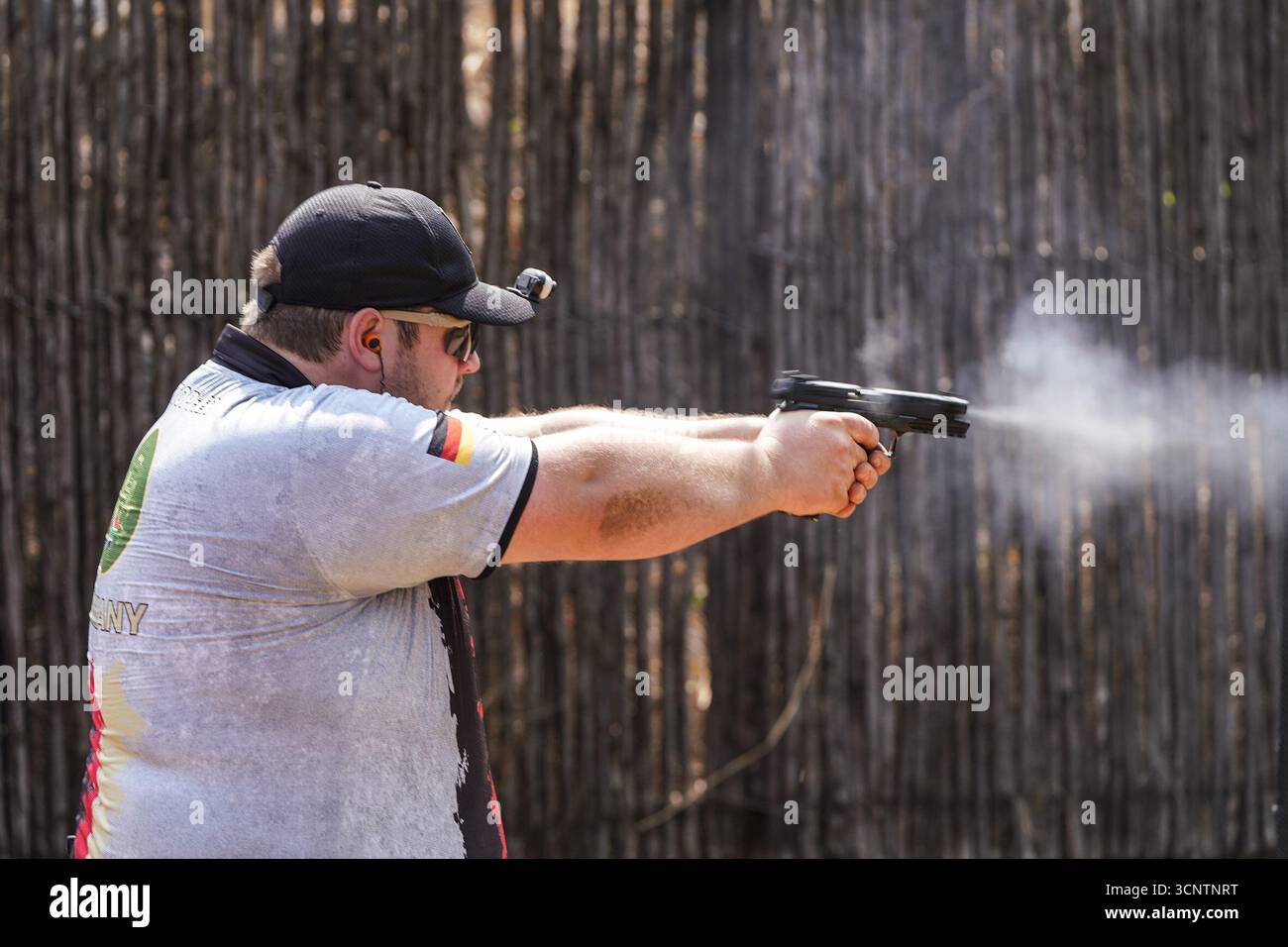
Once you can read a string, the drills themselves are a separate subject, and each one has its own standards, target times and technique notes that do not belong in a guide about operating the device. Start with the draw to first shot, because it is where the time is. Move to the Bill Drill when you want to see cadence and recoil control in a single string of splits. Add reload training once you can spot the reload sitting inside your splits, and use El Presidente as a periodic all-in test that exercises the turn, the draw, transitions and a reload in one run. There is a broader shooting drills library if you want a rotation rather than a single benchmark.
Frequently Asked Questions
How does a shot timer work?
A microphone, a clock and a sound threshold. Pressing start triggers a delay, then a beep that starts the clock. Every sound louder than the threshold after that point is logged with its elapsed time, and the device presents those timestamps as a total, a first-shot time and the splits between shots. It does not identify gunshots, which is why loud neighbours and echoes can appear in your string.
How do shot timers know when to stop?
They do not. There is no end-of-drill detection — the timer keeps listening until the string times out or you press review. The last number in your string is simply the last thing loud enough to register. If a stray noise lands after your final shot, it will extend your “total time,” which is one more reason to scroll through the individual shots rather than trusting the headline number.
Is a shot timer worth it?
For anyone practising deliberately, yes, and it is the cheapest meaningful upgrade available — a phone app costs nothing. Without one you are grading yourself on feel, and feel is a famously unreliable witness: shooters routinely report a run “felt fast” when it was two tenths slower than their average. The timer’s value is not the beep, it is being unable to lie to yourself afterwards.
Do I need a hardware timer, or is an app enough?
For home practice, dry fire and airsoft, an app is genuinely sufficient and in one respect better, since phone-based detection can be tuned for quiet sounds that a hardware timer’s threshold ignores. Hardware earns its price on a live-fire range, where you need a buzzer loud enough to punch through ear protection and a microphone that copes with a busy bay. The hardware comparison covers the current models and prices if you are at that point.
Can a shot timer detect airsoft or dry fire?
Most cannot, because they use a loudness threshold set for live fire. Detecting a gas blowback pop, an AEG cycle or a dry trigger click requires frequency analysis rather than raw volume. That is exactly what the free AirsoftShotTimer app does, and it is the difference between a timer that records your practice and one that sits there registering nothing.
What is a good first-shot time?
From a competition holster at seven yards, most shooters land somewhere between 1.5 and 2.0 seconds early on, competent club shooters sit around 1.2 to 1.5, and sub-second draws belong to people who have practised the movement thousands of times. Treat those as orientation, not as targets — your own cold number from five honest reps is the only figure that matters, and the draw time guide breaks down the averages properly.
How do I use a shot timer for the first time?
Set random delay, adjust sensitivity until it reliably hears your gun, run five draws to one shot, and then scroll back through a string and find your first-shot time and splits. That single act — looking past the total at the breakdown — is what separates people who own a timer from people who use one.
The Short Version
A shot timer is easy to operate and easy to waste. The button gives you a total; the review screen gives you a diagnosis; the par time gives you a target you can feel. Most shooters buy the device and only ever use the first of those three, then conclude the timer did not do much for them.
Pick one drill, record five honest reps, read the breakdown rather than the headline, and set a par ten percent under your average. You will know within a fortnight whether your time is going into the draw, the splits or the reload — and knowing that is worth more than another year of practice aimed at nothing in particular.
If you do not own a timer yet, you do not need to buy one to start tonight: the free AirsoftShotTimer app puts random delay, par time and full split recording on the phone already in your pocket, with detection tuned for airsoft and dry fire.
Related Articles
Shot Timer Guides
- Best Shot Timer App 2026 — 13 apps tested, and which ones actually hear airsoft and dry fire
- Best Shot Timer 2026 Buying Guide — hardware picks if you train on a live-fire range
- AMG Shot Timer Review & Instructions — the Commander manual the box does not include
- Dry Fire Training at Home — a full at-home routine built around par time
Drills to Time
- Pistol Draw Guide — where most of your time actually goes
- Bill Drill Guide — cadence and recoil control in one string
- Magazine Reload Guide — the number hiding inside your splits
- El Presidente Drill Guide — the classic all-in benchmark
- Shooting Drills Library — a rotation rather than a single benchmark
Competition Shooting
- IPSC Practical Shooting Training Guide — core competition techniques
- IDPA Defensive Shooting Training Guide — tactical-oriented training methods
- USPSA Classifier Guide 2026 — how hit factor turns time into a score
Put a Shot Timer in Your Pocket
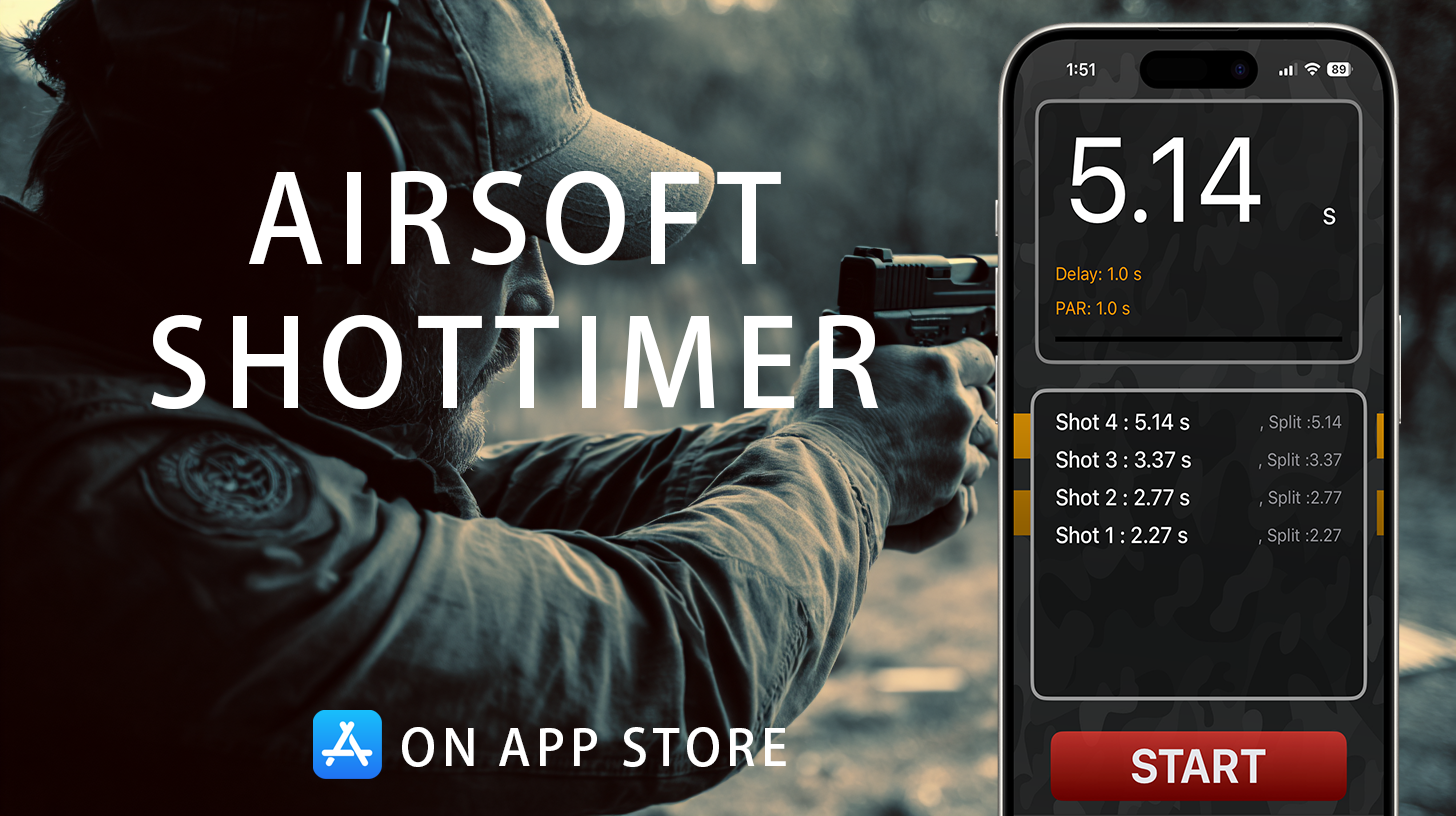
Airsoft Shot Timer is a free shot timer app tuned for airsoft and Action Air — it picks up BB gun shots, tracks your split times, and saves you the cost of a $150+ hardware timer for IPSC/IDPA practice.

- Shot Timer
- How to Use a Shot Timer
- How Does a Shot Timer Work
- How Do Shot Timers Know When to Stop
- Using a Shot Timer for the First Time
- Reading a Shot Timer
- Shot Timer Settings
- Random Start Delay
- Echo Delay
- Split Times
- Par Time
- First Shot Time
- AirsoftShotTimer
- Training Guide
- Shooting Training
- Airsoft Training