PACT Club Timer III Review 2026: Instructions, Sensitivity & Airsoft Use
Contents
The PACT Club Timer III is a $129.95, Texas-made shot timer that runs on a single 9V battery, has a buzzer PACT built in-house because off-the-shelf ones weren’t loud enough, and shows your shot count, total time, first shot and last split on one screen without pressing anything. It has no Bluetooth, no app, no backlight and no volume control. Microphone sensitivity is a small screw inside the battery compartment rather than a menu setting. That combination is why it’s still the timer you see hanging off RO belts at club matches, and why it frustrates people who want to train alone at home.
Most people searching for this timer already own one, or just borrowed one at the range, and they’re stuck on something. The buttons are labeled GO, RVW and two arrows, and nothing on the housing tells you that “press both arrows together” is how you get into the settings. So this guide covers both sides: the review first (what it does well, what it doesn’t, and whether you should buy it over an SG Timer GO or CED 7000), then the instructions in plain language, including the sensitivity adjustment and the battery-contact fix PACT’s own help center recommends.
What the Club Timer III Is, and Isn’t
PACT has been making shooting timers and chronographs in Texas for decades, and the Club Timer III (CT3) is its best seller. The design brief is old-school in a good way. The buzzer and microphone sit on the side of the housing so your hand doesn’t cover them. The buttons are recessed below the top edge, so you can run a stage with it in your fist and not stop the string by accident. The keypad is a sealed conductive rubber membrane with no mechanical switches, which PACT describes as waterproof (the housing itself has no published water rating).
Here is the whole spec sheet in one place, because it’s short:
| Spec | PACT Club Timer III |
|---|---|
| Price (pact.com, Nov 2026) | $129.95, 30-day money-back guarantee |
| Power / battery life | One 9V battery, about 20-30 hours of active use |
| Auto power-off | After 15 minutes without a button press |
| Start | Instant, or a delay of 2-3.5 seconds |
| Par time | One par, up to 99.99 seconds |
| Sensitivity | Trim screw under the battery door |
| Memory | Current string only |
| Bluetooth / app / backlight | None |
The first time you hold one, it feels bigger than the newer pocket timers. Next to an SG Timer GO it looks like a TV remote. But the big green GO button lands right under your thumb, and the beep is loud enough to make people on the next bay look over. You can hear it through double hearing protection. That’s the thing it was designed to do.
PACT Club Timer III Instructions: Every Button in Plain Language
Turning it on and off
Press any button to wake it up. To turn it off, press GO and RVW together. If you forget, it shuts itself off after 15 minutes of no button presses. That auto-off clears the string, so if you want to write down a time, do it before you walk away to reset targets.
Running a string
When the timer wakes up with nothing in memory, a “bouncing ball” moves on the right side of the screen to show it’s alive. Check the top of the display: DELAY or INSTANT will be lit, and any par time you’ve set is shown too.
Press and release GO. With DELAY set, the buzzer sounds 2 to 3.5 seconds after you let go of the button; with INSTANT set, it beeps as soon as you release. Then the time counts up. Every shot it hears bumps the shot number and updates the total time and the split from the previous shot. The first shot time sits in the lower left corner. Press GO again and the old string is cleared and a new one starts.
There’s one trick range instructors show students. If the timer is running and you want to stop it without firing, flick the bottom of the housing with your finger. The microphone hears the tap as a shot and the string ends.
Reviewing your shots
After a string, press RVW. Each press steps to the next shot and shows its time and the split from the shot before it. The up and down arrows scroll forward and back through the string. Pressing GO at any point drops you out of review and starts a new string, so don’t do it until you’ve read what you need.
Choosing delay or instant start
This is the step nobody finds on their own. Press the up and down arrows together and release. SET appears, and DELAY and INSTANT start flashing alternately. Press the up arrow (the one toward the screen) to lock in DELAY, or the down arrow to lock in INSTANT.
Use DELAY when you’re training alone: press GO, bring your hands to your start position, and wait for the beep. Use INSTANT when someone else is running the timer for you, or when you’re doing a par drill that starts from a ready position.
Setting a par time
Right after you choose delay or instant, PAR starts flashing. If you don’t want a par time, just press GO. To set one, press RVW. The current par appears with the hundredths digit flashing. Use the arrows to set that digit, press RVW to move one place left (tenths, then ones, then tens), and press GO when you’re done. PAR stays lit on the main screen, with your time shown in the lower left.
Two things change once a par is set. First, the first-shot readout goes away, because that corner is now showing the par. Second, the split shown for the first shot after the par beep is how far over the par you were, not the time between shots. That’s useful for pass/fail drills. Set 2.00 seconds for a Bill Drill, and if your last shot is before the second beep you passed. It’s confusing, though, if you forget the par is still set and start wondering why your splits look strange.
Clearing a par time
You don’t have to set every digit back to zero. Enter Set Mode (both arrows), choose delay or instant, and press GO while PAR is flashing. The par is gone. The maximum is 99.99 seconds. If you run long courses that need more, PACT points you to its MKIV XP timer/chronograph, which goes to 999.99 seconds.
Sensitivity: The Screw Under the Battery Door
Here is the Club Timer III’s most argued-about design choice. Sensitivity is not in a menu. It’s a small white plastic trim screw in the corner of the battery compartment, and PACT’s own guidance starts by asking you not to touch it unless you have to.
The reason it’s there at all is the same problem every microphone timer has. Too sensitive, and the timer counts echoes off the bay walls, the shooter next to you, or even its own buzzer. Not sensitive enough, and it misses shots, which PACT notes is a real problem with low-power loads. A Reddit thread on r/CompetitionShooting sums up the complaint: no volume control, and you need a tool to change the sensitivity. One video reviewer comparing it with the SG Timer GO called ease of use a tie for that one reason.
If you do need to adjust it:
- Put in a fresh battery first. A tired 9V causes erratic behavior that looks a lot like a sensitivity problem.
- Open the battery door and find the white screw in the corner beneath the battery.
- Turn it 1/16 to 1/8 of a turn. Clockwise increases sensitivity, counterclockwise decreases it.
- Close it up and test with the timer where it’ll actually be during a string. Count whether ten shots register as ten.
- Go in small steps. Write down how far you turned it so you can go back.
My advice is to make one change, test it, and then leave it alone. If you share a timer at a club, put a note in the case, because the next person won’t know someone turned it up for .22 or subsonic loads.
Battery Problems and PACT’s Own Fix
The Club Timer III runs on one standard 9V battery, and that’s the source of most complaints you’ll read about it. PACT’s help center lists three things worth knowing.
Change the battery with the timer switched on. That way it resets properly when the new battery goes in. If it locks into “off” after a battery change, take the battery out and leave it for a few minutes to drain the internal charge, then try again.
Use a fresh battery. PACT specifically says a recently bought, fully charged 9V. A half-used one from a drawer is the most common cause of a timer that acts haunted.
If it switches itself on and off, it’s usually the contacts, not the electronics. With the battery out, the two metal terminal tabs can be pulled gently inward with a loop of floss or fishing line so they grip the battery tighter. If they’re bent flat, PACT describes taking out the four screws on the back, laying the halves open (they stay connected by wires), and bending the spring clips outward slightly with a finger, then reassembling without pinching any wires. If neither works, PACT runs a repair service and sells replacement parts. If you bought the timer directly from PACT within the last year, the repair fee may be waived.
The battery door can be stiff on a new unit. One reviewer couldn’t get it open on camera. Keep a coin in the case.
Does the PACT Club Timer III Work for Airsoft?
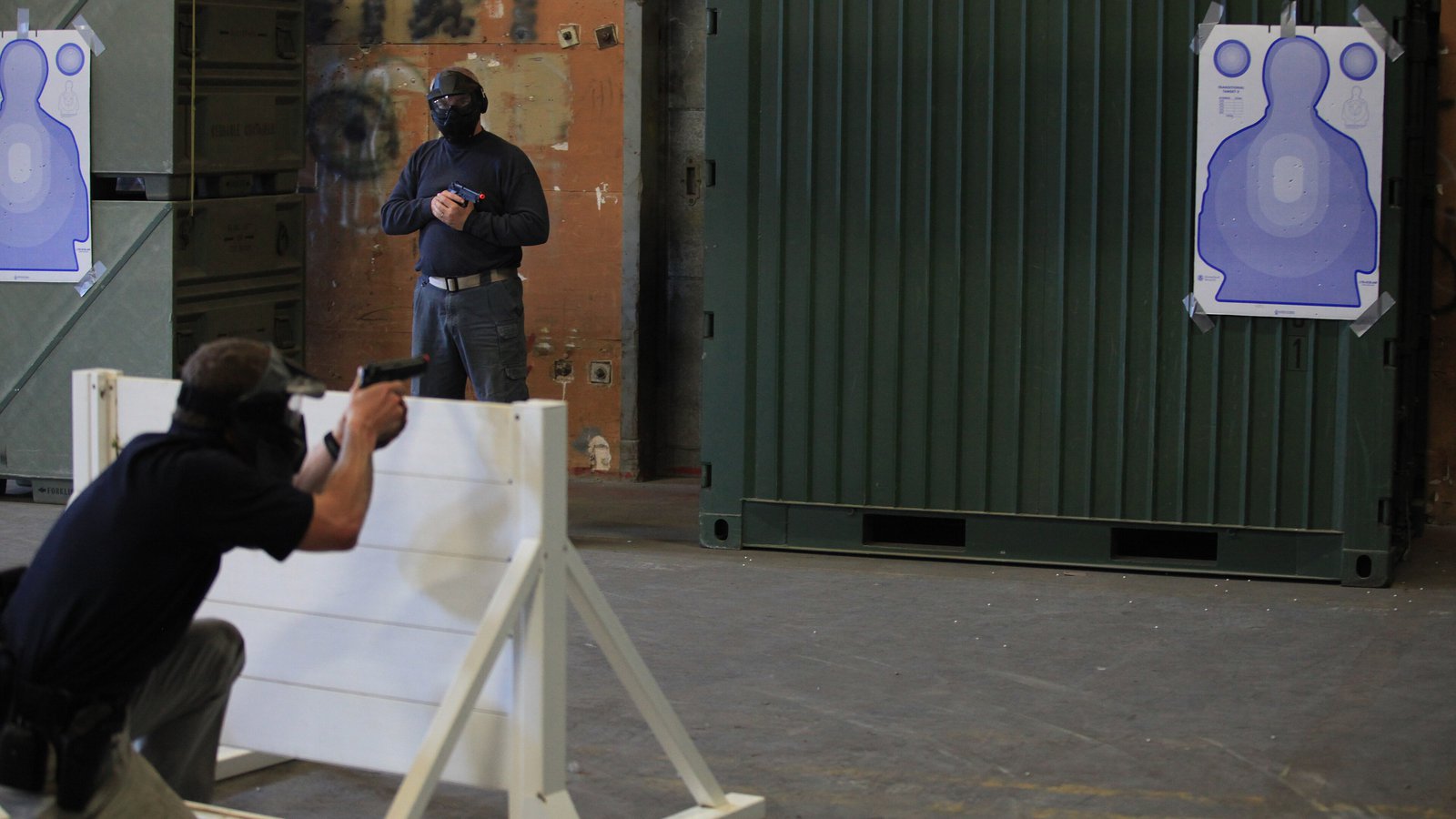
PACT’s answer is a careful yes. The CT3 is designed for live rounds, but it “can detect airsoft guns, depending on their decibel level and proximity,” and PACT says it tests with airsoft guns at close range. So put the timer close to the gun.
In practice that means:
- Gas blowback pistols are the best case. With the timer clipped to your belt on the gun side, or held by a friend a step away, a loud GBB can register. Move it a couple of meters away and it starts missing shots.
- AEGs are a long shot. The sound is quieter and more mechanical, and turning the screw up far enough to catch them makes the timer jumpy in a noisy indoor arena.
- The screw is the real problem. If you use the same timer for live fire, you’d be turning a trim screw back and forth every time you switch, with no markings to return to. For one person on a dedicated airsoft timer that’s manageable. For a shared club timer it isn’t.
If you mostly shoot airsoft, a phone app made for it solves this more easily. AirsoftShotTimer has an on-screen sensitivity from 0 to 40 instead of a screw, and detection written for the sound of airsoft guns. A GBB pistol usually reads cleanly around 8-12 and an AEG around 10-15. It also has random start delay, par time and per-shot splits, and it keeps every session so you can compare next week, which the PACT can’t do. You can try it first and buy hardware later, once a match actually needs it.
PACT Club Timer III vs SG Timer GO vs CED 7000
The question in Google’s “People also ask” box is which is better, the PACT or the SG Timer GO. Here’s the honest version.
SG Timer GO ($164.99 for the September 2026 three-button redesign). It’s smaller, the screen backlights automatically, and volume and sensitivity are settings, not a screw. It also has a dry-fire mode sensitive enough to hear a striker click, and it saves your history to your phone through Shooters Global’s Drills app. The PACT has none of that. A video comparison by Tactical Hive picked the GO “all day long,” and that was the older two-button version that needed your phone to set a par time. The redesign lets you change the main settings on the timer itself, so most of the PACT’s simplicity advantage is gone.
CED 7000 Gen-2 (around $139.95). It’s pocket-sized and rechargeable, with more modes and the default timer at many IPSC and IDPA matches. You’ll spend more time in menus, but you’ll never buy a 9V again.
Where the PACT still wins: you hand it to anyone, they press the green button, and it works. There’s no pairing, no firmware, no charging cable and no settings menu to get lost in, and the beep is about as loud as anything on the line. For a club’s RO kit, a range-day timer you leave in the bag for months, or a shooter who refuses to put another app on their phone, that matters more than a feature list.
For the full lineup with dealer prices, including the ProTimer, AMG and Double-Alpha EDGE, see our 2026 shot timer buying guide. There are also separate write-ups on the AMG Commander and the Special Pie M1A2+.
The Downsides
- No backlight. In a dim indoor bay you’ll tilt it toward the lights to read your split.
- One string of memory. Press GO and the last string is gone. If you’re tracking progress, you’re writing times on paper.
- Sensitivity is a screw. It works, but it’s not something you can change between shooters.
- No volume control. Great on a range, too much in an apartment for dry fire.
- 9V battery. Cheap and easy to find, but it’s one more thing to carry, and weak batteries cause odd behavior.
- No Bluetooth or PractiScore. If your match scores on tablets and wants timer data pushed over, this isn’t that timer.
- It can’t hear dry fire. A dry-fire trigger press is too quiet. You can still use a par time as a deadline beep, which is how most dry-fire drills work anyway (our dry fire training guide explains how).
Should You Buy One?
Buy the Club Timer III if you want a loud, simple, durable timer for live fire, especially one that several people will share, and you don’t care about history or apps. At $129.95 with a 30-day money-back guarantee, it’s hard to regret.
Skip it if you train alone indoors, mostly dry fire, or mostly shoot airsoft. The SG Timer GO is the better solo training timer for about $35 more. And if you’re just starting out, a free online par timer or a phone app will teach you what a timer is good for before you spend anything on hardware.
Frequently Asked Questions
How do I set a delay on a PACT shot timer?
Press both arrow buttons together to enter Set Mode. DELAY and INSTANT will flash. Press the up arrow to choose DELAY (a 2-3.5 second wait after releasing GO) or the down arrow for INSTANT, then press GO to skip the par setting or RVW to enter one.
How do I set a par time on the PACT Club Timer III?
Enter Set Mode with both arrows, choose delay or instant, then press RVW when PAR flashes. Set each digit with the arrows, starting with the hundredths, press RVW to move left, and press GO to save. The par shows in the lower left of the main screen.
How do I turn off a PACT timer?
Press GO and RVW at the same time. It also turns off by itself after 15 minutes without a button press, which clears the current string.
How do I adjust the sensitivity on a PACT Club Timer III?
Open the battery door and find the white plastic screw in the corner beneath the battery. Turn it 1/16 to 1/8 of a turn, clockwise for more sensitivity or counterclockwise for less, then test. PACT recommends leaving it alone unless the timer is clearly missing shots or picking up echoes.
Is there a PACT Club Timer III app?
No. The Club Timer III has no Bluetooth and doesn’t connect to a phone or PractiScore. Everything is set and read on the timer. If you want history and phone control, look at the SG Timer GO, AMG Commander or ProTimer BT, or use a shot timer app on its own.
What battery does the PACT Club Timer III use, and how long does it last?
One standard 9V battery, rated at about 20-30 hours of active use. Change it with the timer switched on, and use a fresh one. Low voltage is the most common cause of erratic behavior.
Can I use the PACT Club Timer III for dry fire?
Not for detecting shots, because the click of a dry trigger press is too quiet. You can use it as a par timer, though: set a par, press GO, and treat the second beep as your deadline.
Can I use a PACT Club Timer III for airsoft?
Sometimes. PACT says it can detect airsoft guns depending on how loud they are and how close the timer is. A loud gas pistol near the timer usually works; AEGs and noisy indoor arenas are unreliable. For regular airsoft training, an airsoft-tuned shot timer app is easier.
Where can I find the PACT Club Timer III manual?
PACT keeps current and older manuals on the Product Manuals page at pact.com, and its help center (help.pact.com) has a longer Club Timer III article that combines the manual with support notes. This guide follows that article.
Final Thoughts
The PACT Club Timer III does very little, and it does it reliably. It’s loud, simple and easy to hand to someone else, which is why it’s lasted so long at club matches. Its weak points are memory, backlight and adjustability, and they matter more each year as cheaper timers add apps and settings. If you know about the two-arrow Set Mode, the screw under the battery door and the fresh-9V rule, you’ll get along with it fine.
If what you really want is to time your own training tonight, especially with an airsoft gun, start with a shot timer app and buy hardware once you know which features you’ll actually use.
Image Credits
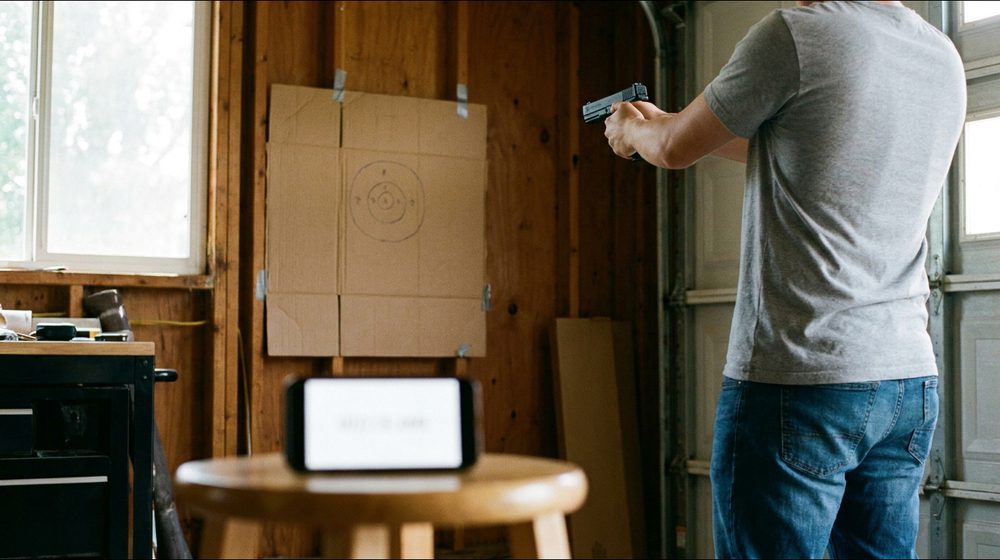
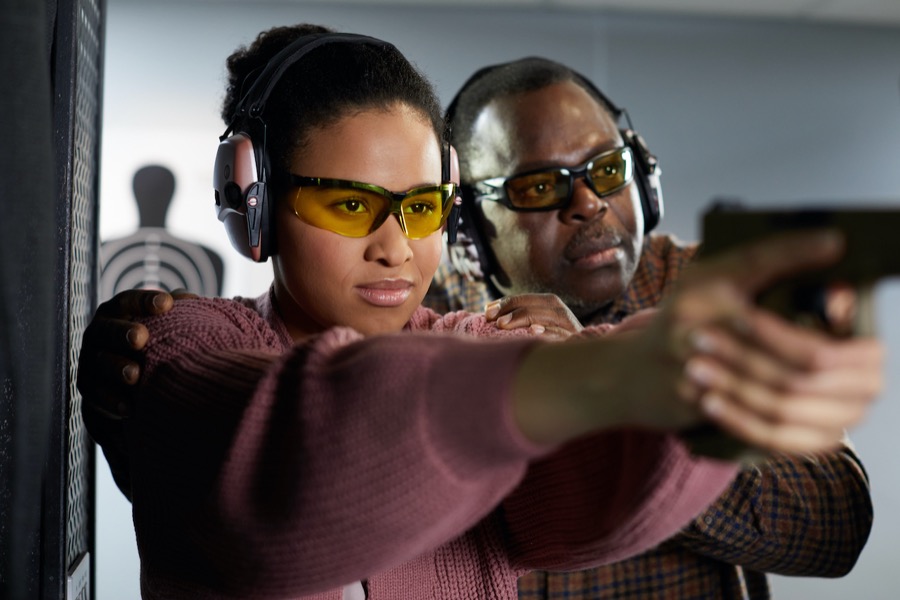
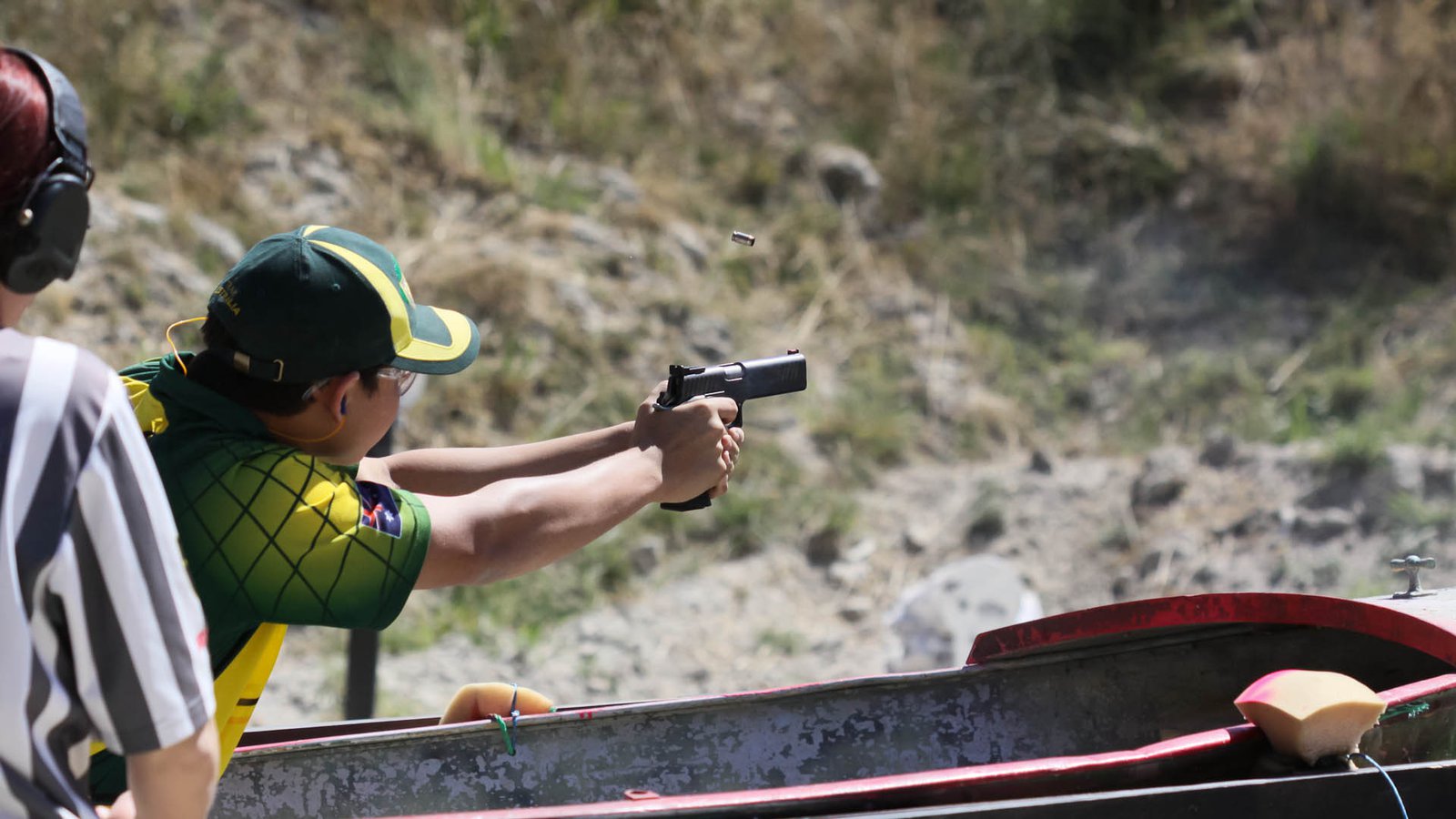
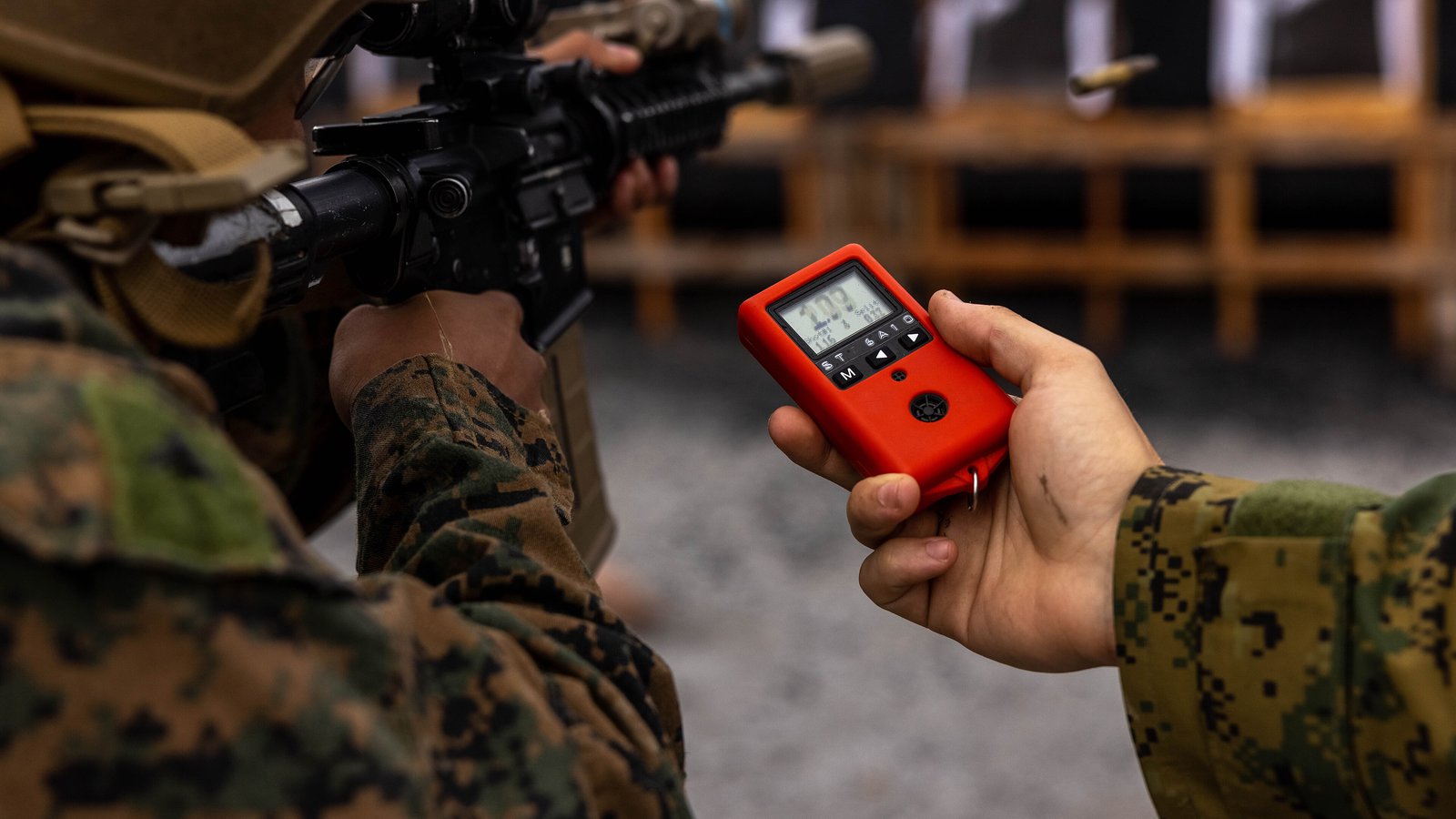
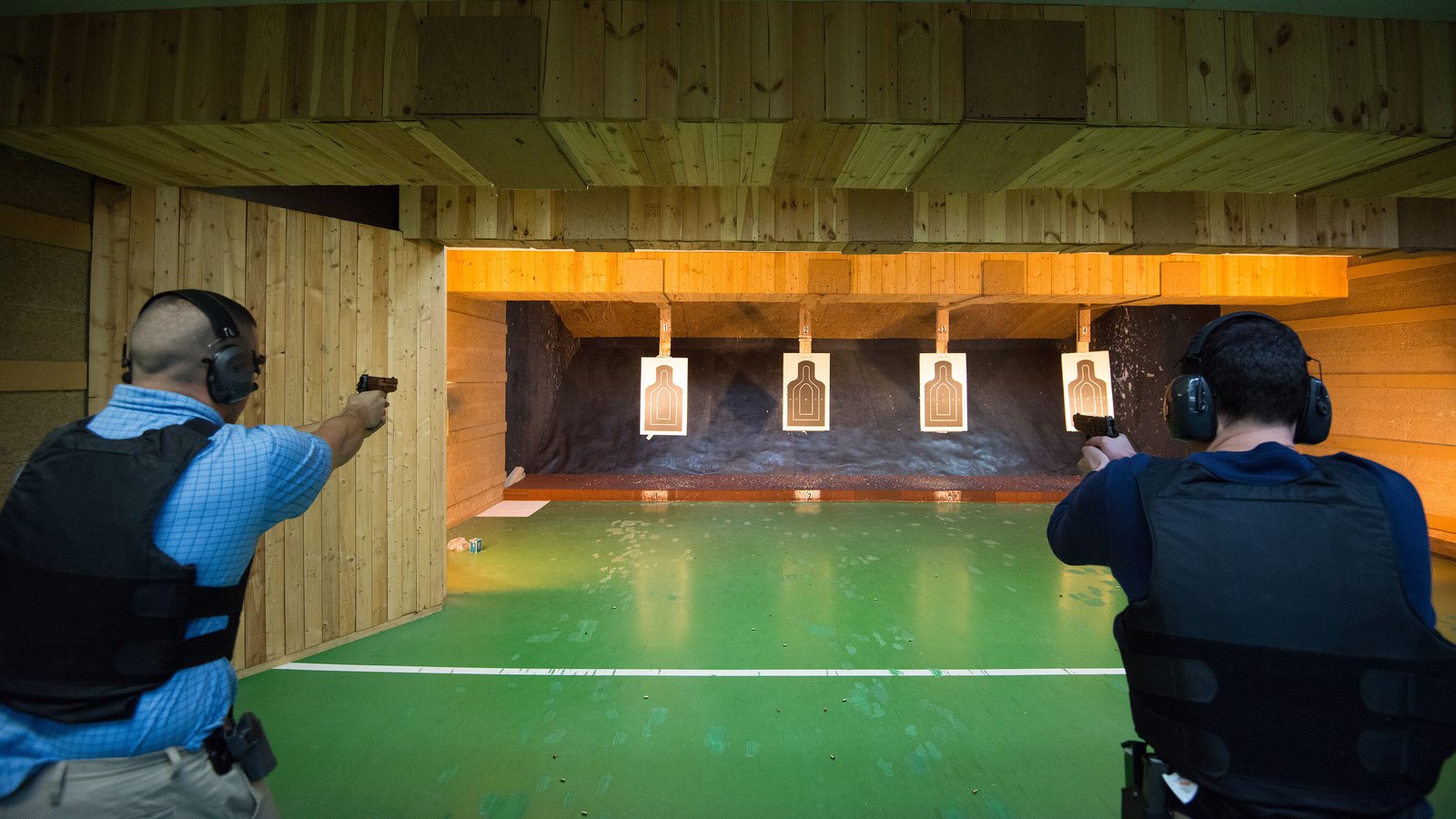
None of the photos show a PACT timer; they illustrate the match and training settings described in the text. Images were cropped and resized to 16:9 and not otherwise altered.
- Cover: Junior Standard competitor at the 2013 IPSC Australasian Handgun Championship, A. Taverner, CC BY 2.0, via Wikimedia Commons
- U.S. Marines use an electronic shot-activated timer at Camp Hansen, U.S. Marine Corps photo by Cpl. Michael Taggart, public domain, via Wikimedia Commons; the timer brand is not identified
- SACEUR Security Detachment pistol qualification at an indoor range, Pierre-Etienne Courtejoie, U.S. Army, public domain, via Wikimedia Commons
- Police officer training with an airsoft weapon at Camp Pendleton, U.S. Marine Corps, public domain, via Wikimedia Commons


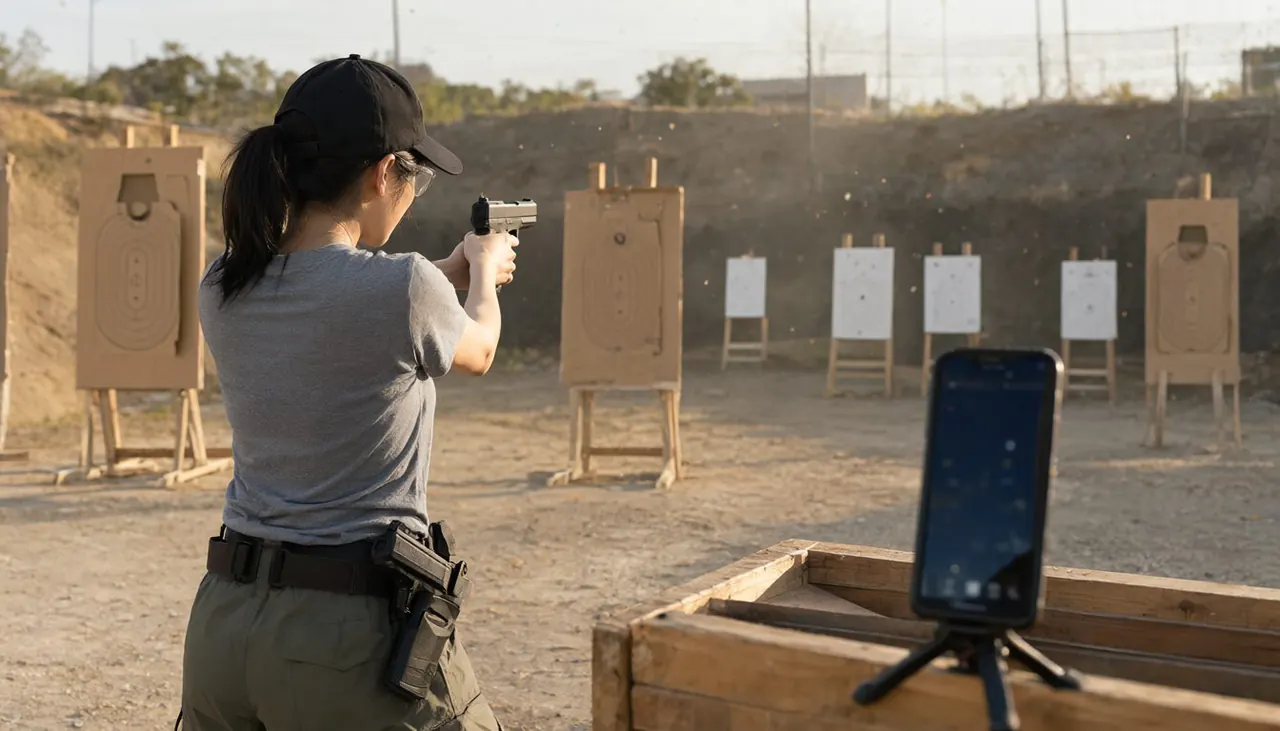
 Airsoft Shot Timer
Put a Shot Timer in Your Pocket
Automatic airsoft shot detection, split times, multiple PAR times and training records — no sign-up.


Related articles